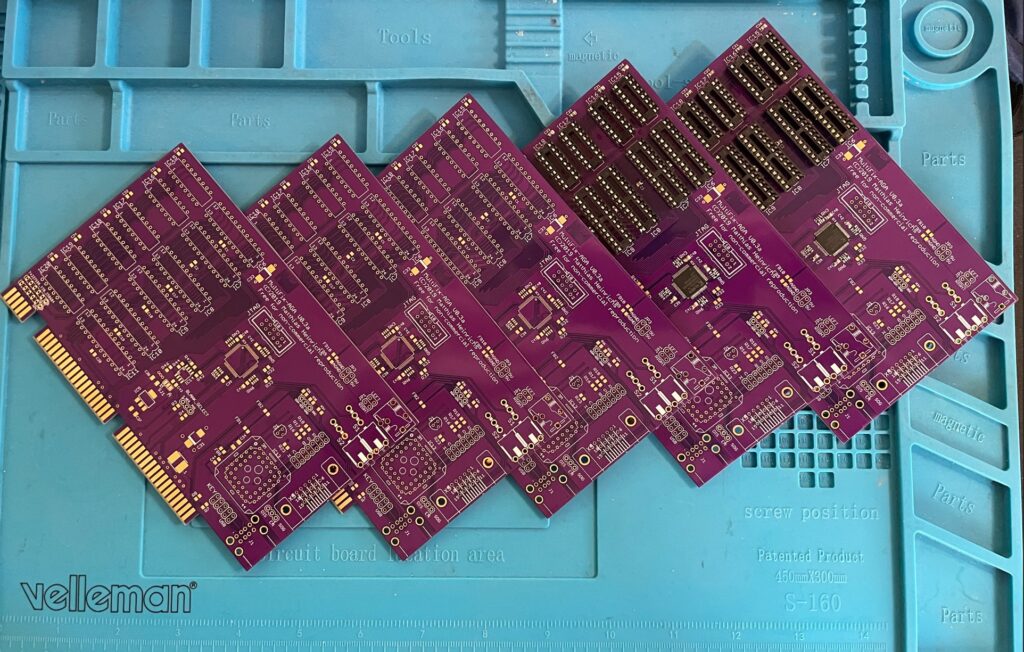
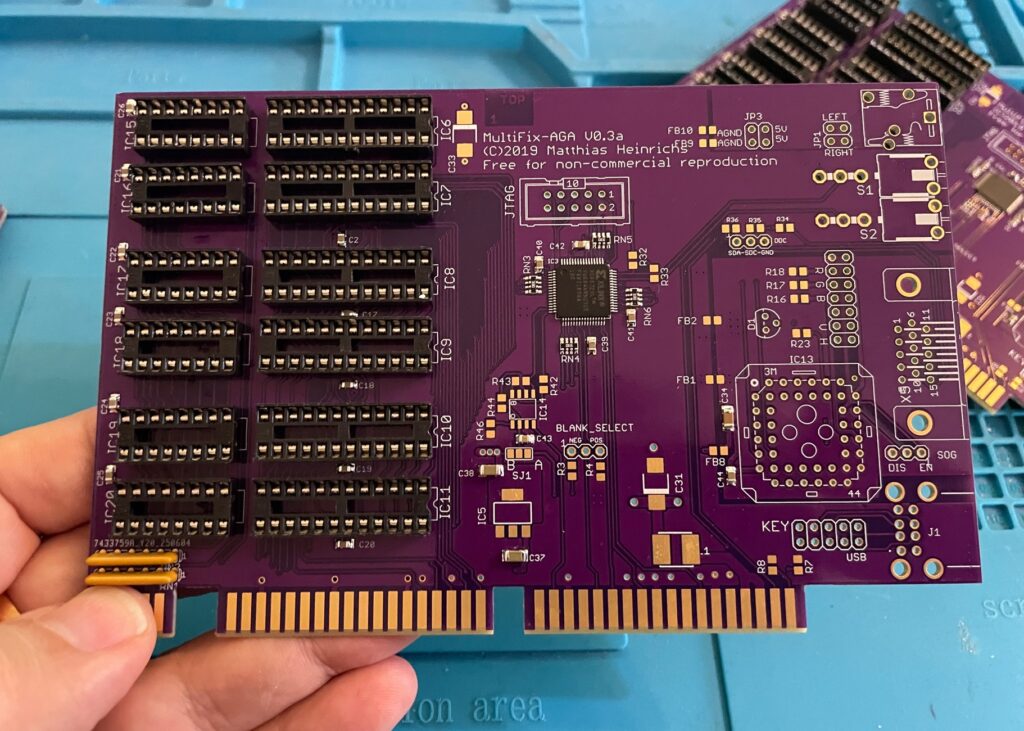
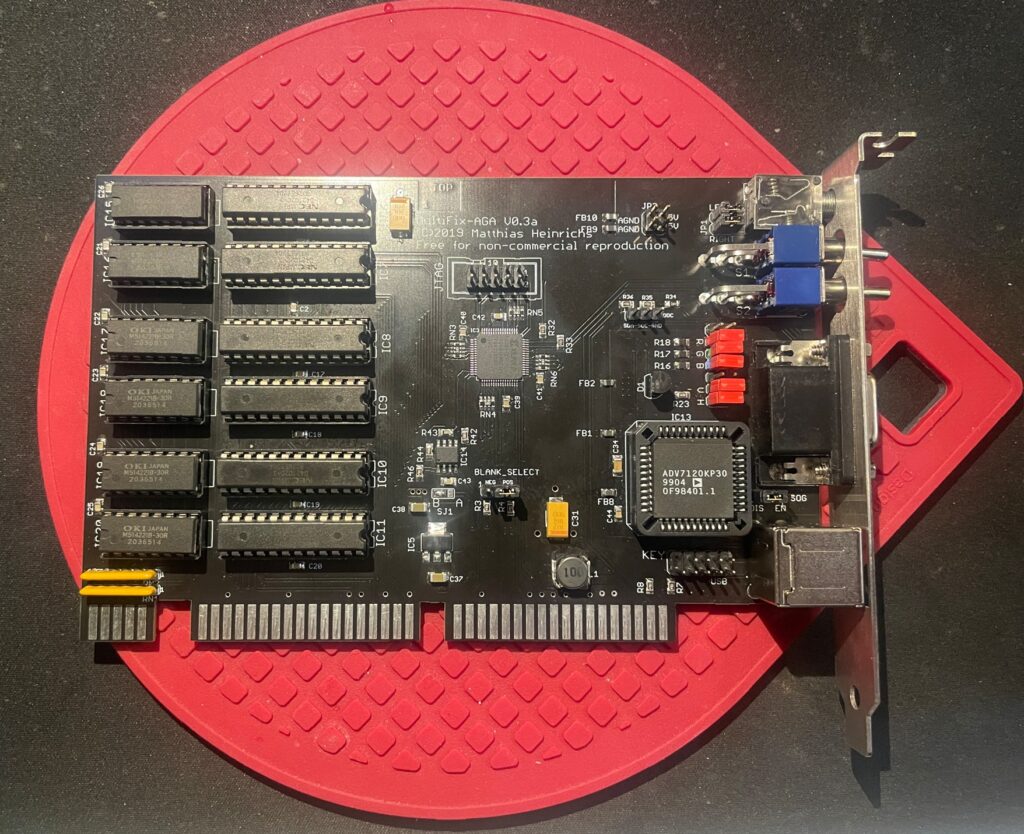
Here are five beautiful Multifix AGA purple PCBs. The Multifix AGA is a great Amiga scandoubler and flicker fixer. I will build two of these and sell the remaining cards once the built cards are tested, or do I build them all for myself (lol).
I plan to use them in the upcoming AmigaPCI (I will for sure build one once it is fully developed) and in my A4000T.
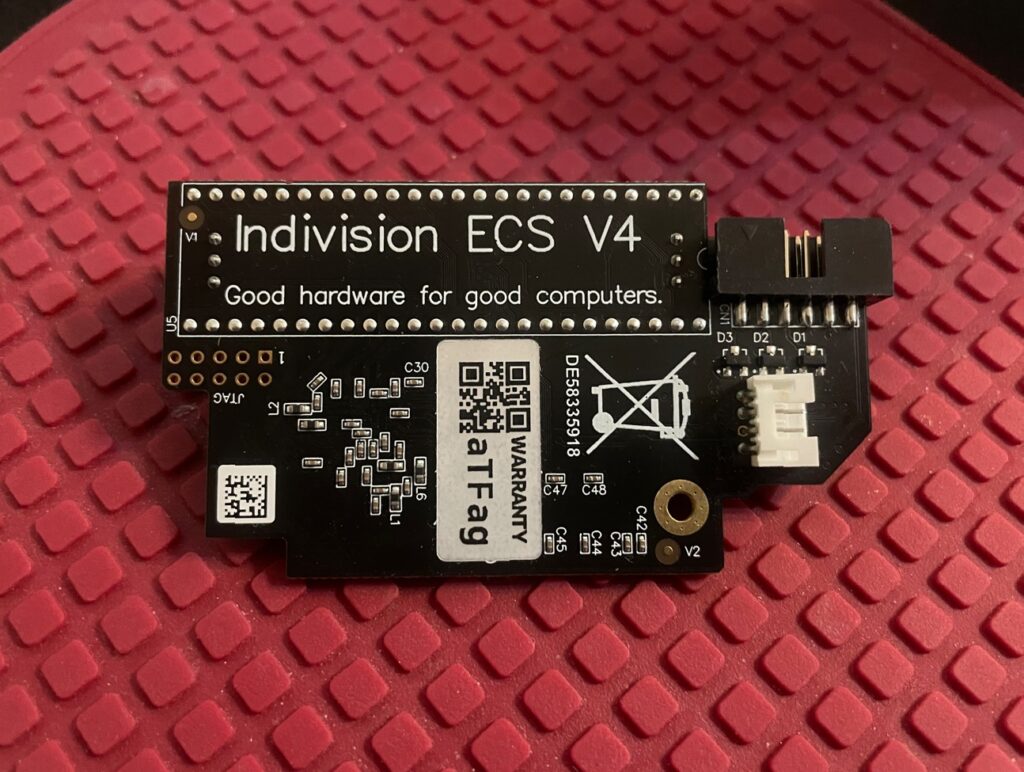
Top picture of the Indivision ECS V4 Amiga scandoubler
I had the opportunity to add a second hand Indivision ECS V4 scandoubler to my collection of Amiga hardware this week.
I am familiar with the Indivision family of scandoublers for the Amiga, the first one I had was the Indivision MK1 AGA for the Amiga 1200 more than 15 years ago. I was very happy with that one.
Currently, I am running an Indivision AGA MK3 in my Amiga 1200 and an Indivision ECS V3 in one of my Denise Amiga clones. Being able to hook up a standard HDMI or VGA screen to another one of my Amiga computers is a real luxury.
I have always thought that not being able to view all Amiga screen modes on a VGA monitor without any expensive hardware was one of the Achilles heels of the Amiga. In my “must have list” for an Amiga computer, a scandoubler is a necessity and not an optional extra.
That perhaps explains why in my current hardware stash I now have 6, now 7 scandoublers.
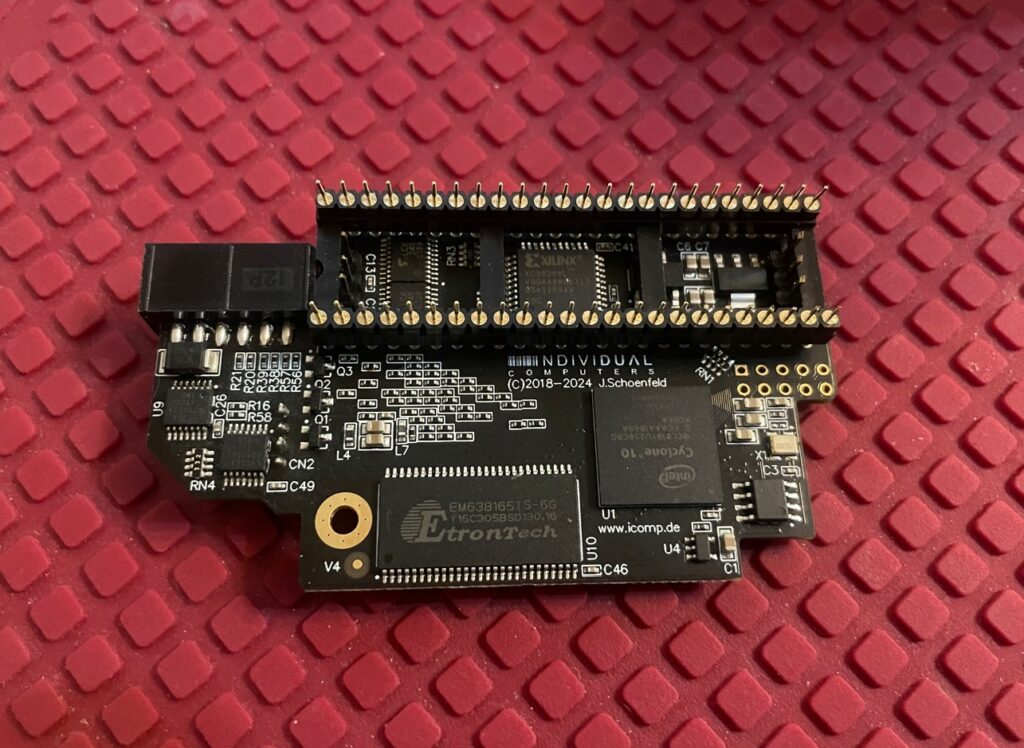
Bottom picture of the Indivision ECS V4, it is a bit more busy
The elephant in the room is off course RGB2HDMI. But I think, untill there is a good solution for auto switching between two HDMI ports (scandoubler/P96) and untill there is an affordable/open hardware HDMI graphics card I prefer VGA. Because…
The picture quality from the Indivision is really good. As someone on an Amiga discussion forum described it, “it looks like an emulator”. And…
If you take the time, and really invest a chunk of time into reading the setup manual, you can even configure them to display an even better image on your specific monitor.
In my humble opinion a scandoubler is a must have for an Amiga. It lets you display native screen modes on a regular PC monitor. A flicker fixer is great to have also, it means you can use higher resolutions screenmodes without nasty flicker. There is however less reason to use flicker fixer modes in Workbench if you have an RTG graphics card since an RTG screen is faster than a flicker fixed screen typically.
Building and testing the Multifix AGA scandoubler and flicker fixer
I have to be honest, the first time I looked at the project page I did not have a clue on how to build it. But after having finished a couple of projects and being more used to projects with less documentation I felt ready to tackle this beautiful scandoubler.
The Multifix integrates well with the GBAP2++ Amiga RTG graphics card, being able to hook up directly to the graphics board. Doing so auto switches output between scandoubled/flickerfixed output and RTG output meaning, you could run the graphics board and scandoubler in one aligned Zorro slot and video slot.
It is difficult for me to say something about the video output since on a CRT the picture quality is probably superb. I do not have a CRT so can only test on modern flat screens. And also, I am using a cheap VGA to HDMI converter that introduces lots of banding on the output. The picture quality on my TFT is not as good as I get from an Indivision or ZZ9000. But even with the cheap VGA to HDMI converter, I have seen worse banding with other VGA scandoublers and with that said, the colors are correct. Overall I am very happy even if the picture quality is not as sharp as those other devices I mentioned. And the picture quality might be even better with another flat screen or a genuine VGA screen.
OKI M5142 and NEC 42101 are also used on the Amiga 3000
Difficult to find chips
There are some chips on the scandoubler that is a bit difficult to find and it is the OKI M5142 and NEC 42101. One card uses six chips of each. As usual, some chips pop up here and there on Ebay and there are the usual places where you can find these chips (Aliexpress). If you do some research you might even find clones of these chips that are fully compatible.
ADV7120KP30 is the same chip the A4000D uses, I got 5 from Aliexpress last year for my A4000D build so had 4 to chose from.
Anyways, building this Amiga scandoubler/flickerfixer is very straight foward.
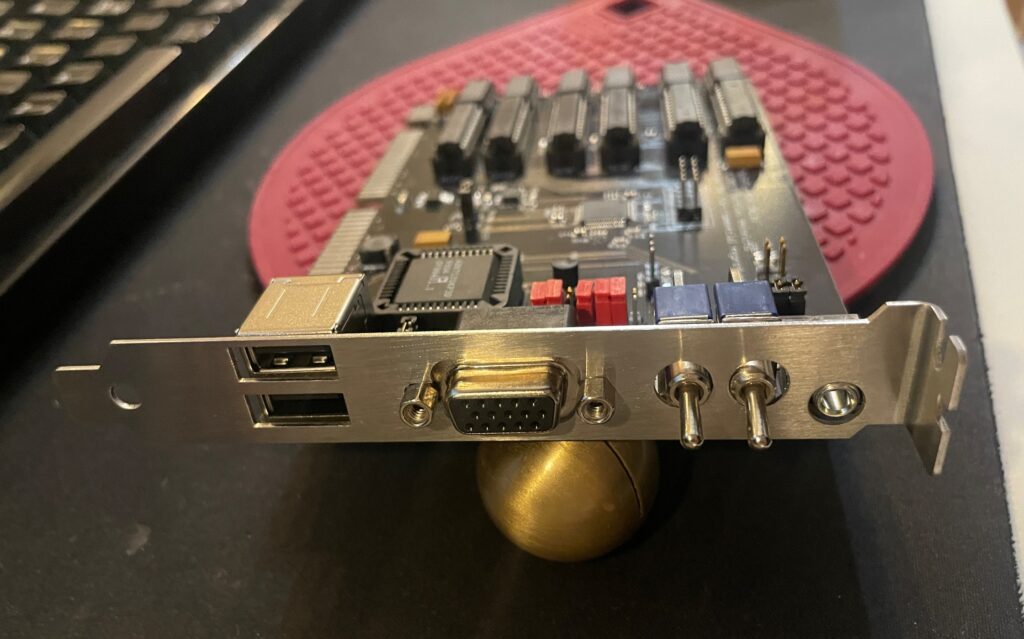
Ports and switches on the back
The backside of the Multifix AGA is kind a busy, more so than a typical scandoubler that usually only has a 15 pin female VGA port.
You might wonder why it has two USB ports, two switches and an audio port on the back. I did too, and it is not quite obvious why by reading the documentation on Git-lab. Turns out, the USB ports provides power only, meaning, you can use these for devices that uses USB power such as VGA to HDMI converters. There is a pinout on the Multifix PCB so you can hook up the USB ports to your USB card saving one bracket space. The switches disables the flicker fixer functionality and the scandoubler functionality (useful if you just want to pass through video output). And what about the audio output? I think the card picks up audio from the video slot so you might be able to get sound from here (I am not sure though, will need to test that sometime).
Oh, and that bracket, it was not made by me, I found a guy on a1k.org who could sell me two (I plan to build another), I could never make one that good looking myself.