ReAmiga 3000 post test run follow up

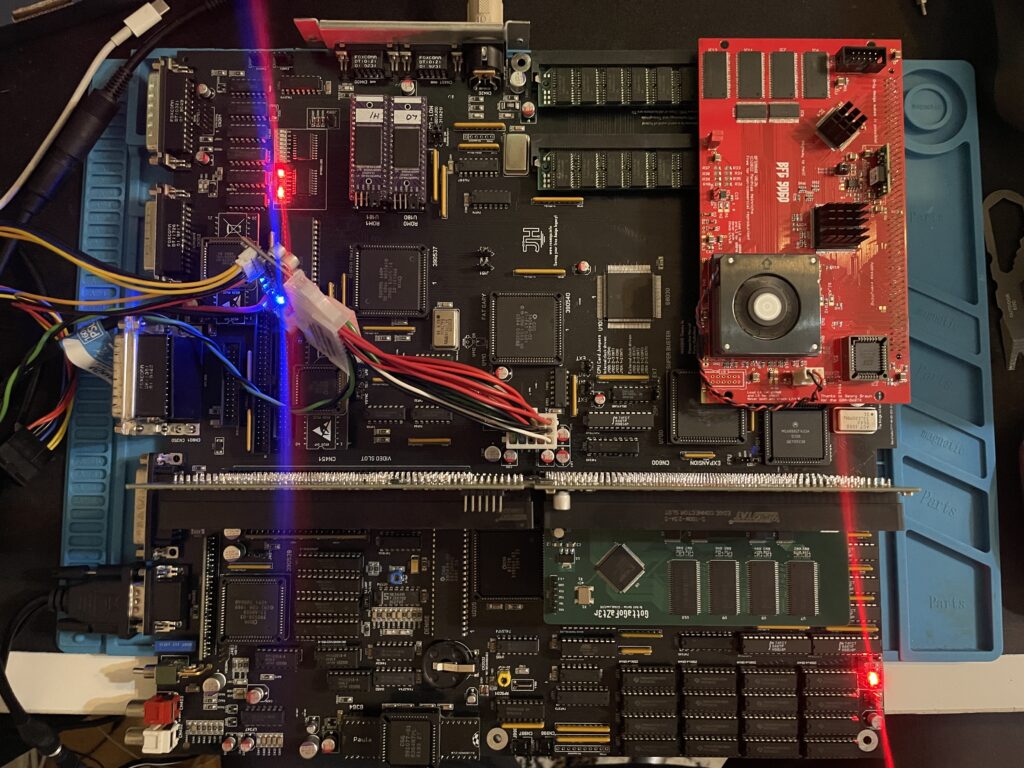
ReAmiga 3000 setup for a test run

You may have seen my previous post where I did a test run on my ReAmiga 3000 that I finished earlier this year. If not, check out my post about my ReA3000 that I built in April here.

While I did do a test run in DiagROM previously I did not have a daugherboard for it so I just whent through the usual tests (successfully) and called it a day. This time I did a more comprehensive test session where I tested a Amiga 3000 daughterboard, a BFG9060, a GottaGoFaZt3r 256MB Z3 memory card, programmed and replaced the logic chips and also replaced some ICs that I had to use adapters for previously.

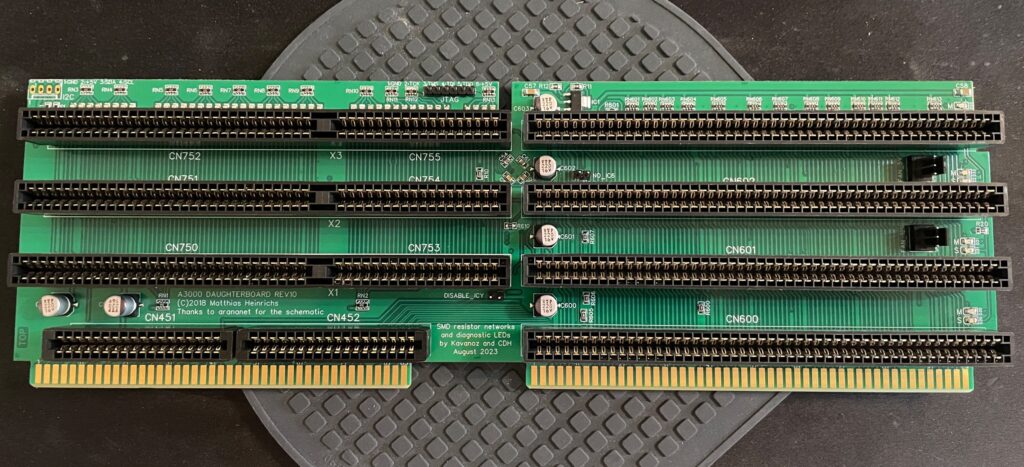
Amiga 3000 daughterboard
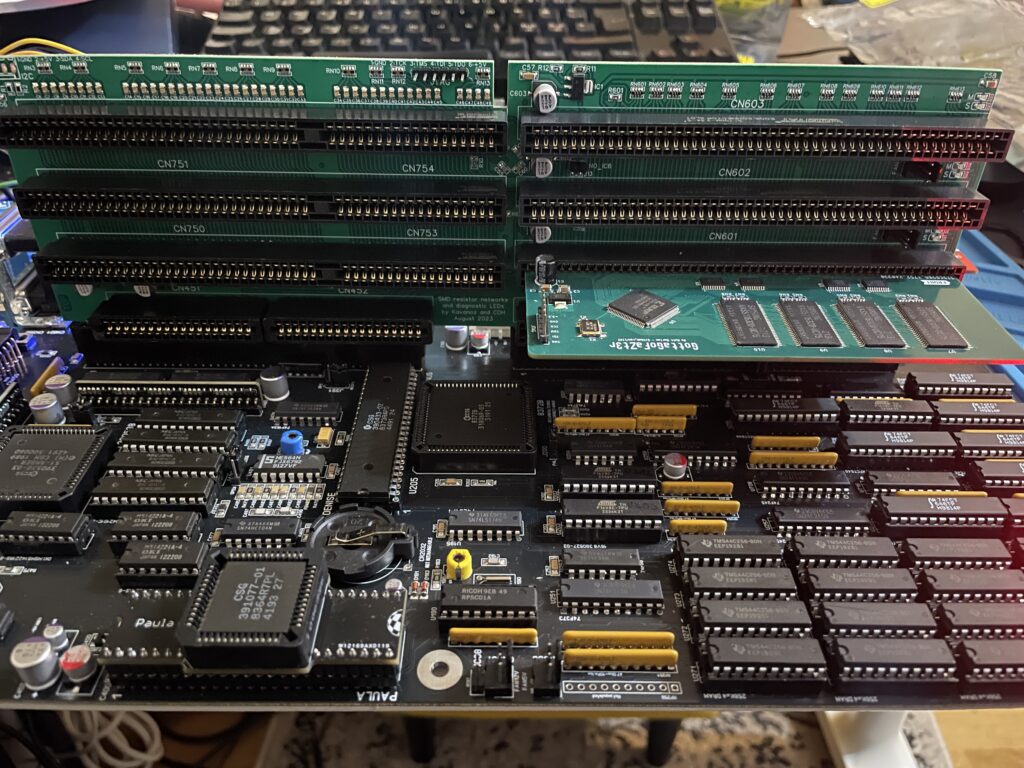
Front of the Matze Amiga 3000 DB

While my ReAmiga 3000 started up fine in DiagROM it failed to run with a Kickstart rom. I was puzzled about this since it was running fine in DiagROM. No matter what I tried I ended up with a black screen. Problem was solved by adding the daughtercard. Now Kickstart boot screen came up.
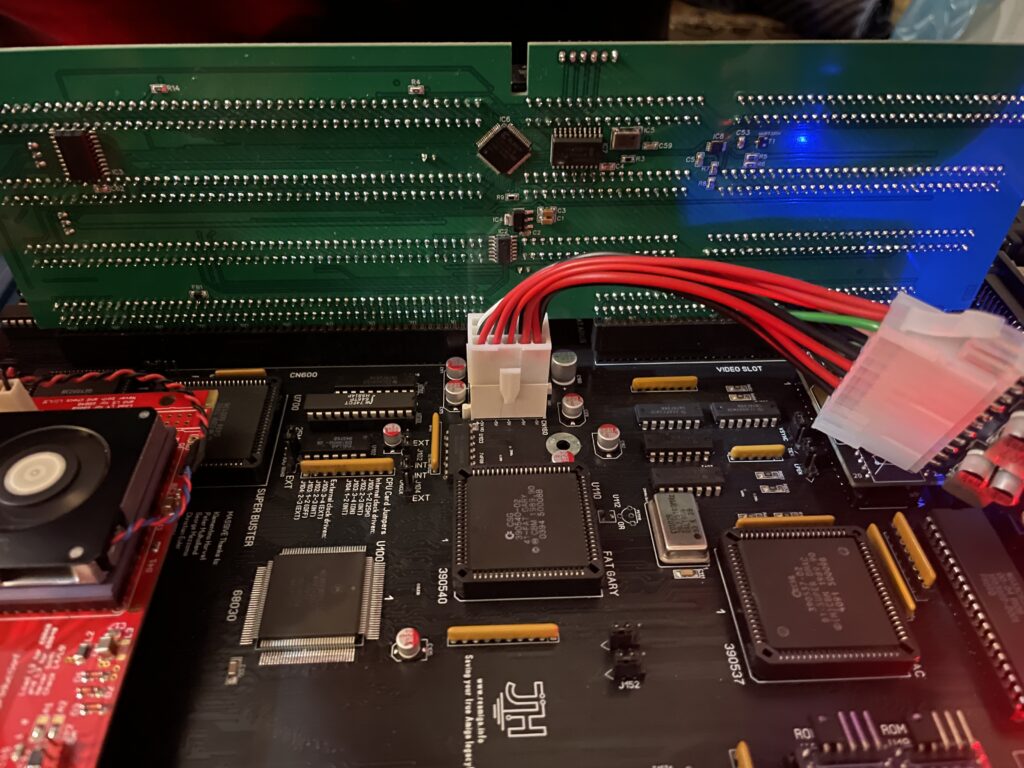
Backside of the Matze A3000DB, here is where the I2C circuit resides

I am using a Matze A3000DB, more info on it here. This is just like a regular Amiga 3000 daughterboard but it also has I2C functionality so you can monitor temps. More info about I2C here, the added functionality is based on that project. So to be honest, I have not really fully understood I2C, perhaps I will do a deep dive in the future. I have an CPLDICY card I built last year and its neat to see temps. I am thinking this could be interesting to monitor if running a tight A3000 case with bad cooling.

Another note, this is a version of the Matze A3000DB with some added functions by kavanoz & CDH, see more here about this specific version of the daughterboard.

A GottaGoFaZt3r 256MB Z3 memory card was inserted and it was detected by DiagROM.

ReAmiga3000 + BFG9060 test, success?
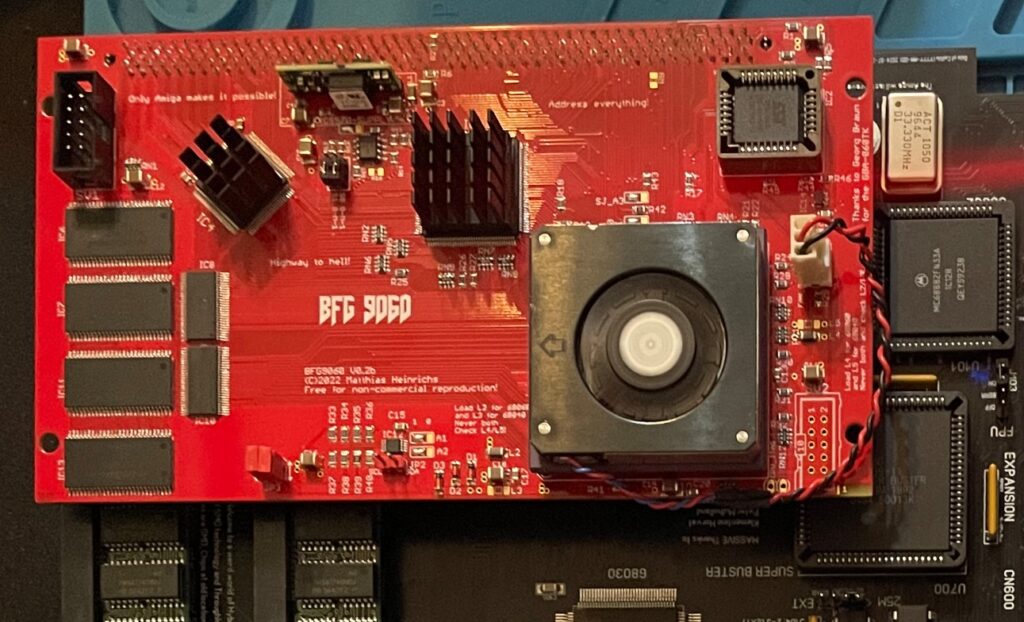
The low profile heatsink/fan on the BFG9060 blows in the wrong direction, another thing to fix in the future…

Recently I built an A4000D that failed to run with a CPU card. That motivated me to test my older builds with a CPU card to make sure they work properly with a faster CPU. The only issue I had was to figure out how to jumper the motherboard, then it was smooth sailings.
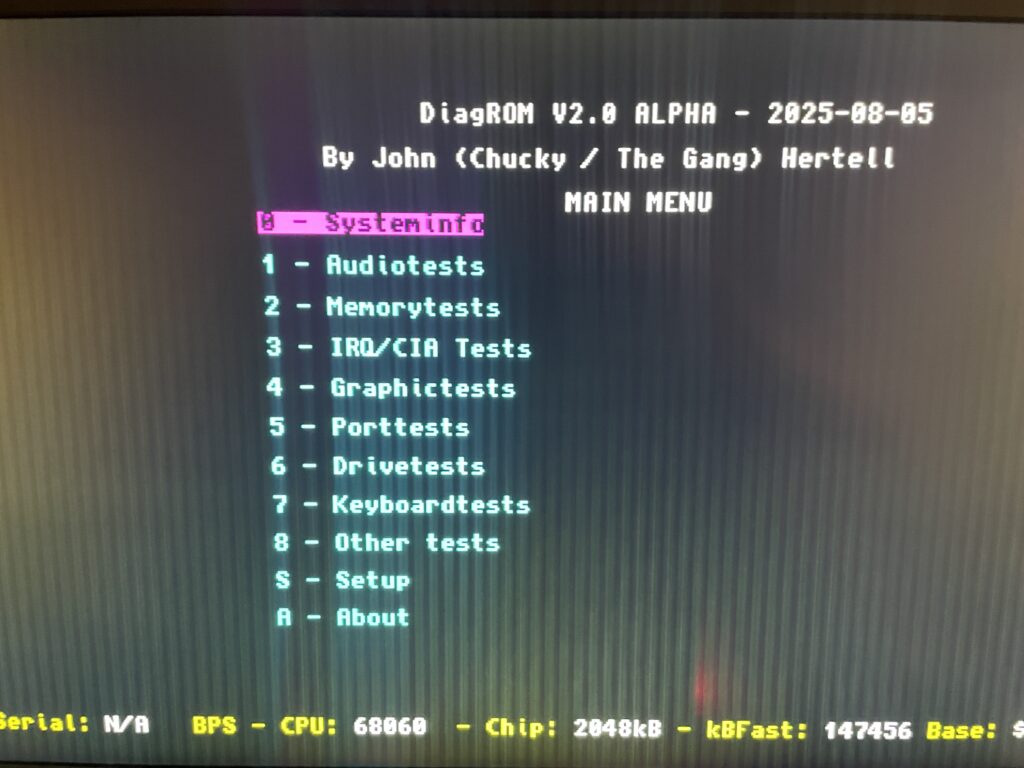
68060 is detected in DiagROM (as is fast ram)

DiagROM identified the 060 and also the fast ram. Now I need to do a 6 hour fish render and stability will be tested (something to do for the future).

74FCT646 chip replacement
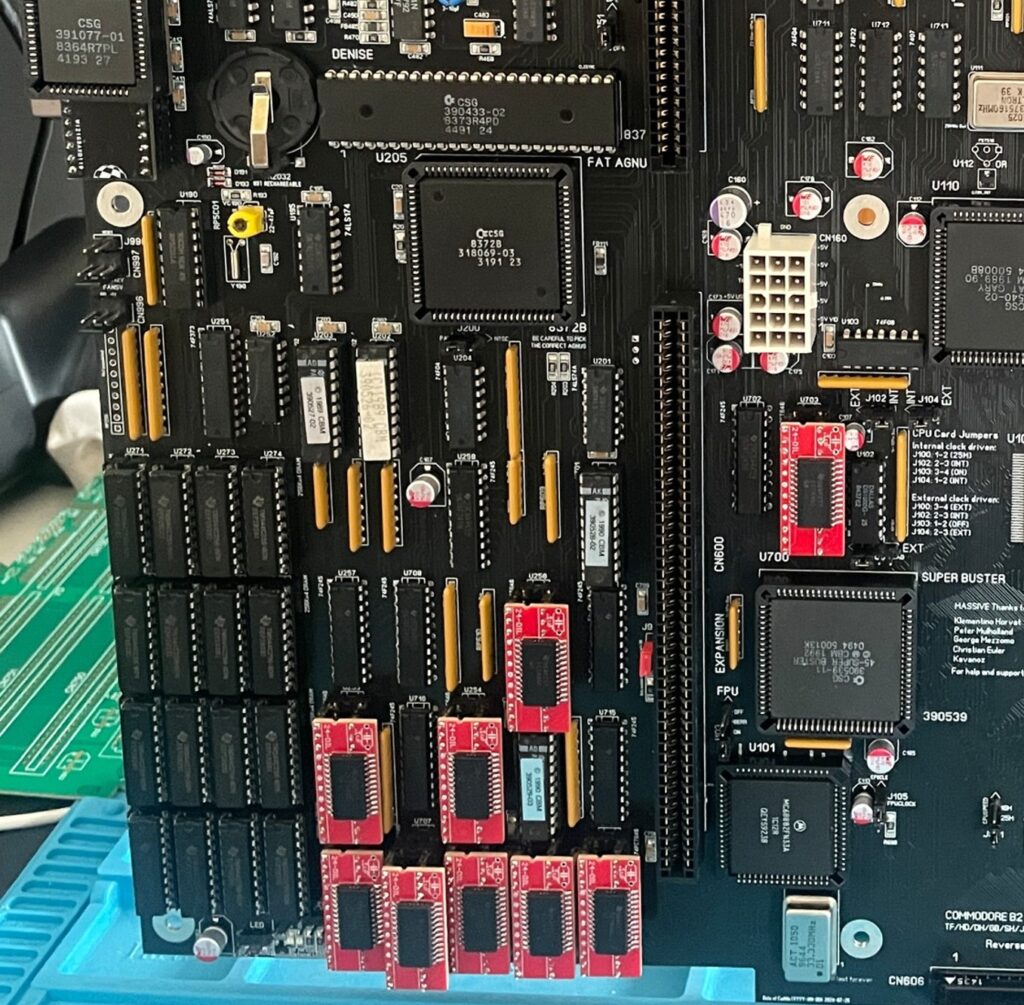
SOIC-24 to DIP adapters are the red mini PCBs. Also notice the original Commodore logic chips

If you look at the BOM for the ReAmiga 3000 you can see that Chucky recommends replacing the 74F646S with 74FCT646. Currently 74FCT646 can only be found in SOIC-24 from Mouser and Digikey and not in DIP so you need a SOIC-24 to DIP adapter to use them. While the adapter worked fine I just felt it would look better to run DIP chips instead. I had an UTsource order going for my A2386SX order in the pipeline so I added eleven 74FCT646 chips to that order from UTsource. Why 11 when the A3000 only needs 9? Well two of them is going to my A2386SX boards.
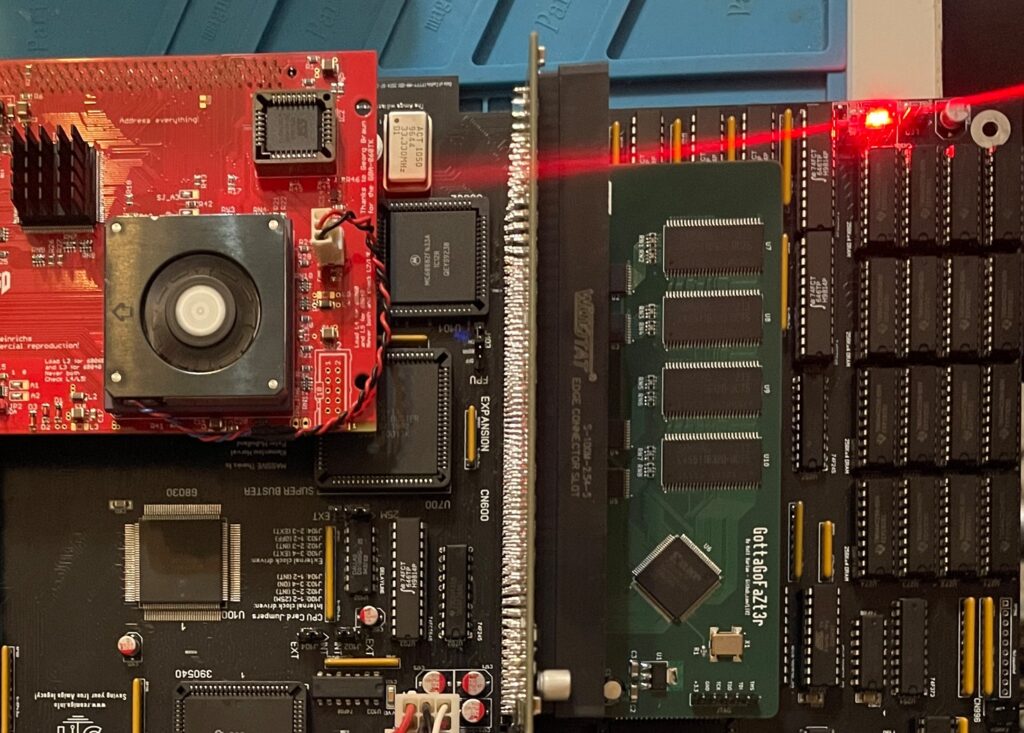
No more SOIC-24 adapters for a cleaner look!

The 74F646S chips actually runs hot, especially when there is 9 of them, that is something I noticed when using them from my donor machine. So it was a nobrainer to replace them with cooler running chips.

As I put in sockets for all the 74FCT646 chip adapters I am thinking of removing the sockets in the future and solder the chips directly to the motherboard for an even cleaner look. The ground plane in an A3000 is brutal though, not sure I wanna wrestle with this board desoldering stuff again. Desoldering the KEL 200 pin CPU slot was a nightmare.

Programmed and replaced logic chips

There are four logic chips on the Amiga 3000. About 15 years ago I had the oppportunity to buy a broken Amiga 3000 cheap because it had a broken display output. Turned out it was because one of the logic chips was broken, so it was an easy fix to just replace one of the chips with a new one.

So to future proof this ReAmiga 3000 build I replaced the logic chips I got from the donor A3000 with modern alternatives and got the JEDEC files to program them with from here.

Next step

I hope I can find a case for this build, they are difficult to come by but occasionally you can find one. Actually wish I had one now as I would like to set it up to a running system!

C’est la vie

Some Amiga activities from the week

Donor Amiga 1200

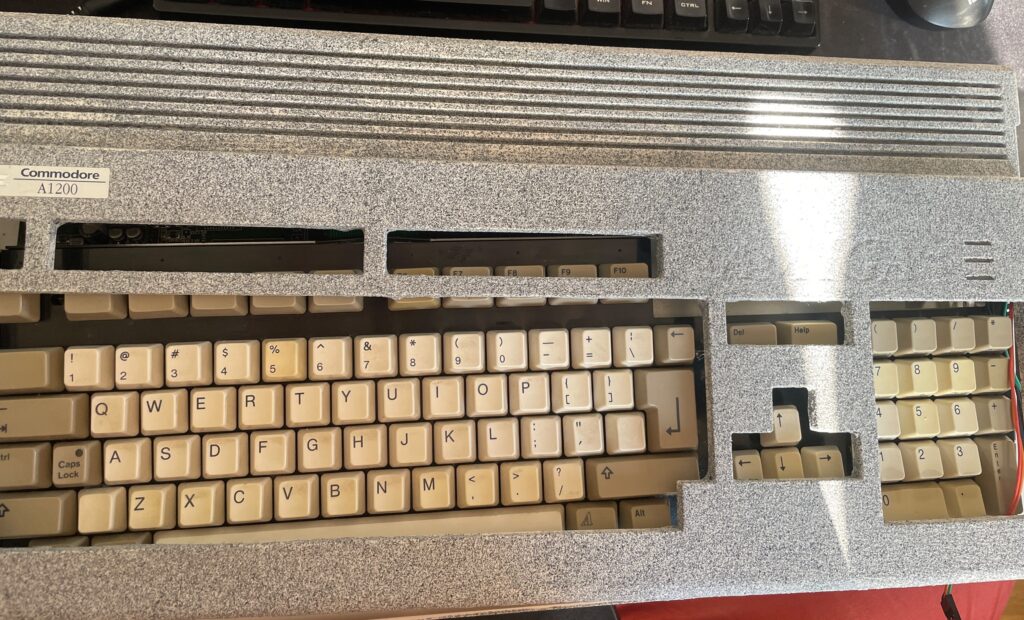
This Amiga 1200 was painted in an unusual color (and paint).

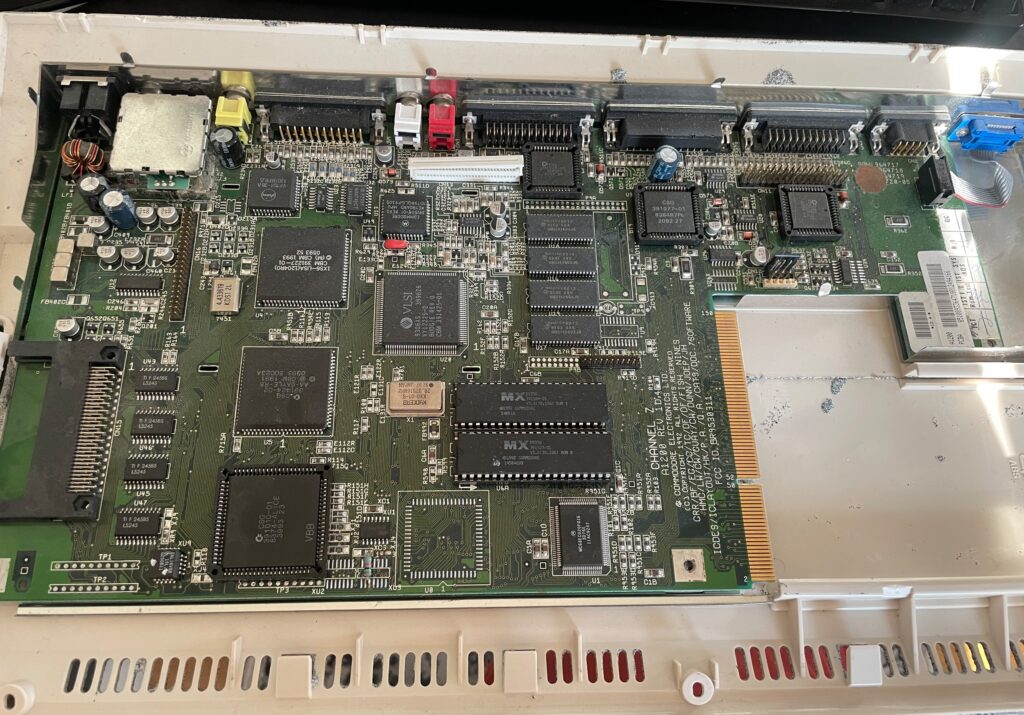
I won an Amiga 1200 on a local auction website. I put in a max bid but surprisingly it got sold for cheaper than I anticipated. I think it was for a couple of reasons. First the case was painted in a weird cement like textured paint, more on that later, secondly it was sold as-is and not working. I have heard of a new Mini-ITX AGA A1200 clone being developed so this broken A1200 will be the donor for that future project (if the chips works).

The value in this computer (for me) lies in its chips. I am mainly interested in Alice, Lisa, the two CIA chips and the Paula. I am also interested in the memory chips as those can be used on various projects. There is some value in the 23-pin video socket also.

I did some math and took a gamble on both winning the Amiga 1200 and on the chips working. As the CIA chips, the paula and Alice has been socketed, that is a clear sign someone has messed inside this A1200 before. Could both be good news or bad news as sockets can be the reason for the computer not working.

Anyways, here is how I calculated the value:

  • Alice: 100-135 euro
  • Lisa: 20-35 euro
  • CIA (2x): 35-80 euro
  • Paula: 25-35 euro
  • Memory (4x): 10 euro
  • 23-pin D-SUB: 10-20 euro

Total min: 200 euro
Total max: 315 euro

Note, I am not calculating this on Analogic prices!

Lets hope the chips are working, will test them later in the year as the motherboard has been cleaned and is archived in my Amiga hardware stash now.

And the reason why i dont count any value in the case: it was sadly painted in this horrible “paint” that gave me a terrible itch in my fingers for two hours after touching it for a few minutes. I will probably throw it away in the trash since I suspect the paint is toxic.

Changing memory chips on a GottaGoFaZt3r

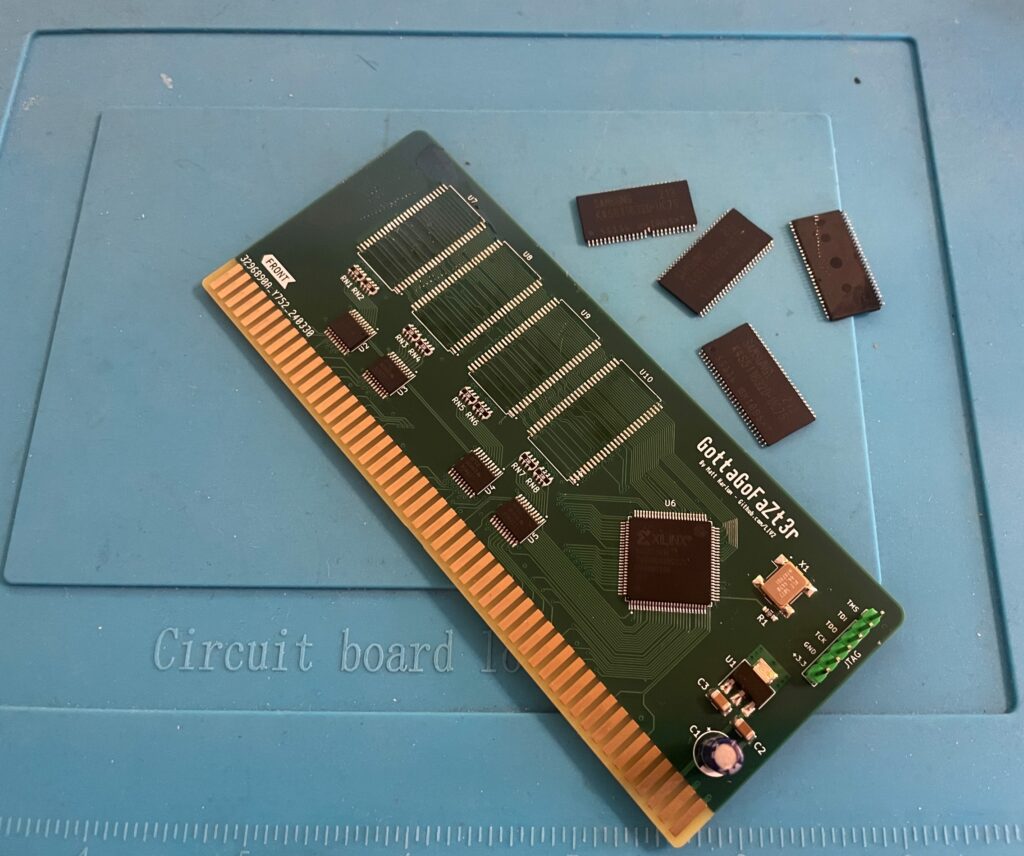
Removing memory chips from the GottaGoFaZt3r Zorro 3 Amiga memory card

I built two GottaGoFaZt3r Zorro 3 memory cards late last year, only one card worked. The other refused to work, it still showed up as “working” in my Amiga 4000TX but the memory was nowhere to be seen. I got the recommendation to check for errors in the memory chips one by one. Instead of doing that I got four new chips instead from a reliable source.

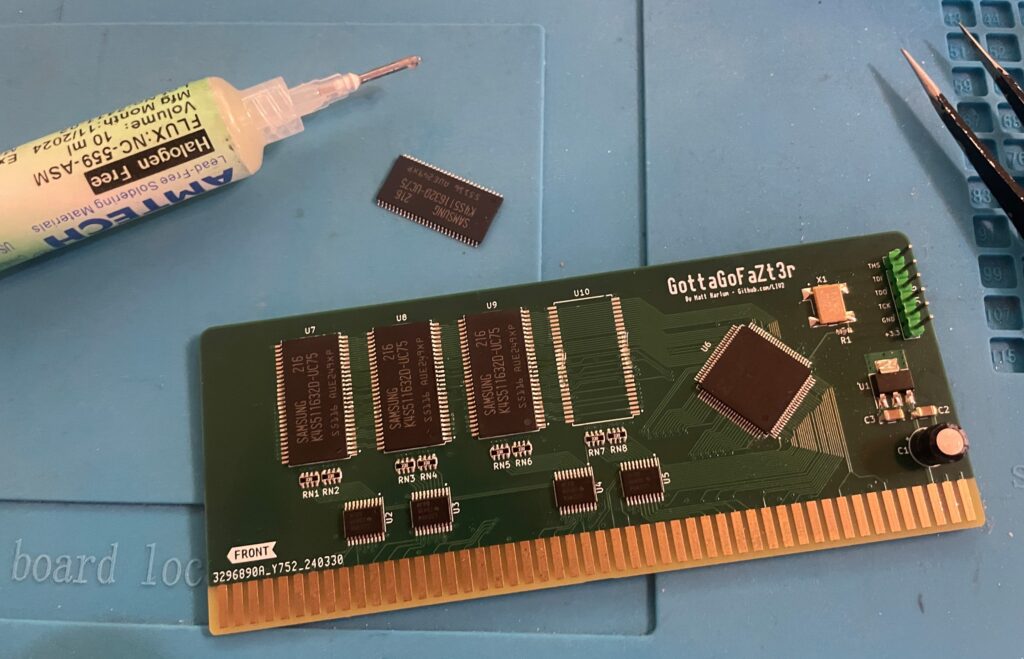
I removed the memory chips with a hot air station. Then I cleaned the pads and soldered on the new memory chips.

Soldering new memory chips on the GottaGoFaZt3r Zorro 3 Amiga memory card

And once all chips was replaced the card finally worked 100%.

Both cards are built as 256 MB cards. 256 MB might seem like a lot of fast mem in an Amiga but it is actually very usable. I run a bit more buffers on my partition than a stock HDD setup so that consumes some of the fast mem. But the main usage is off course to have a large RAM disk (as there are already 128 MB on the turbo card).

And here is a pic from sunny Stockholm today!

Amiga 3000 daughter card

And finally all parts for my ReAmiga 3000 build is now soldered with the daughter board being finished. It still needs to be flashed, but that will happen another day!

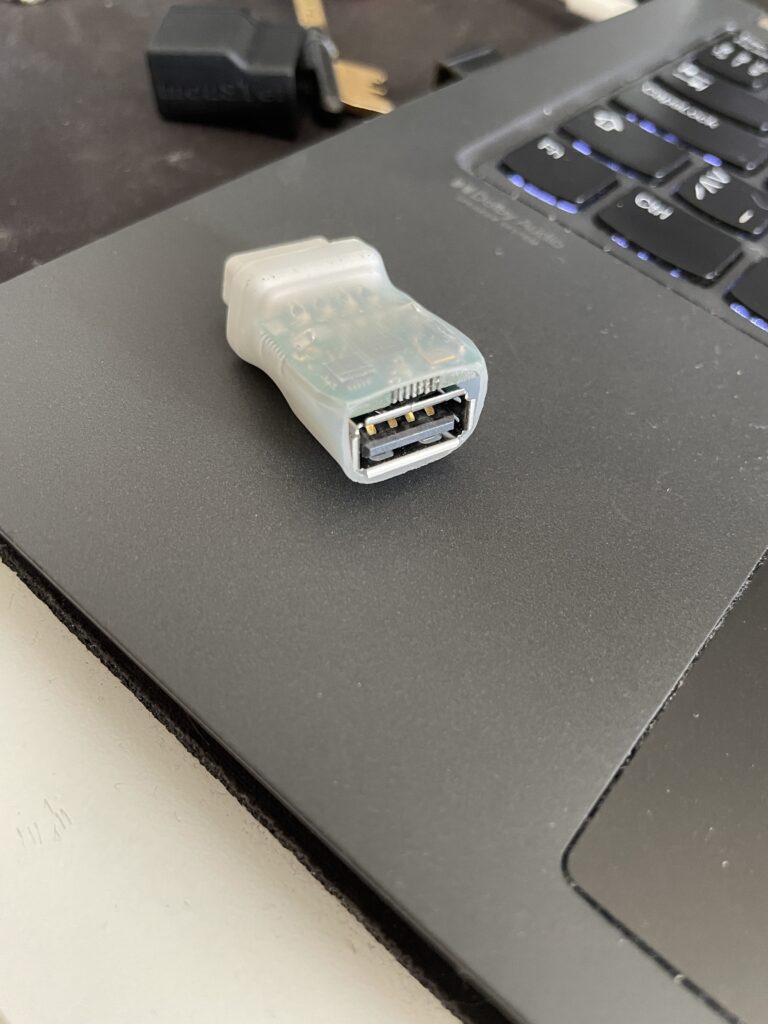
MouSTer 3D printed shell

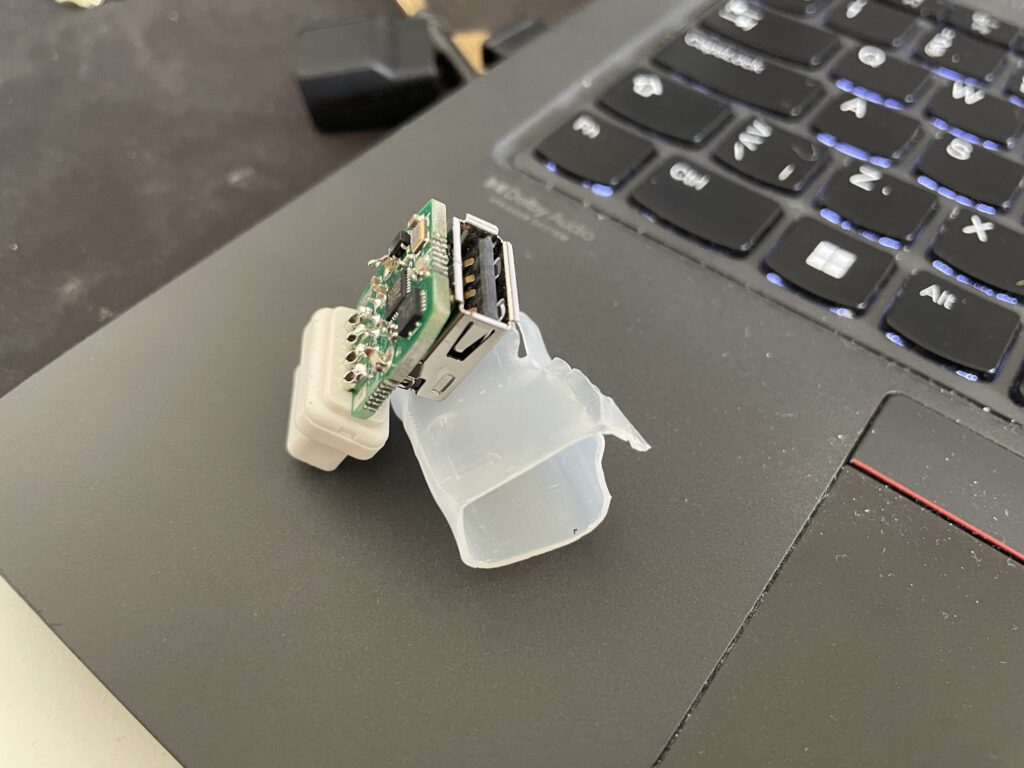
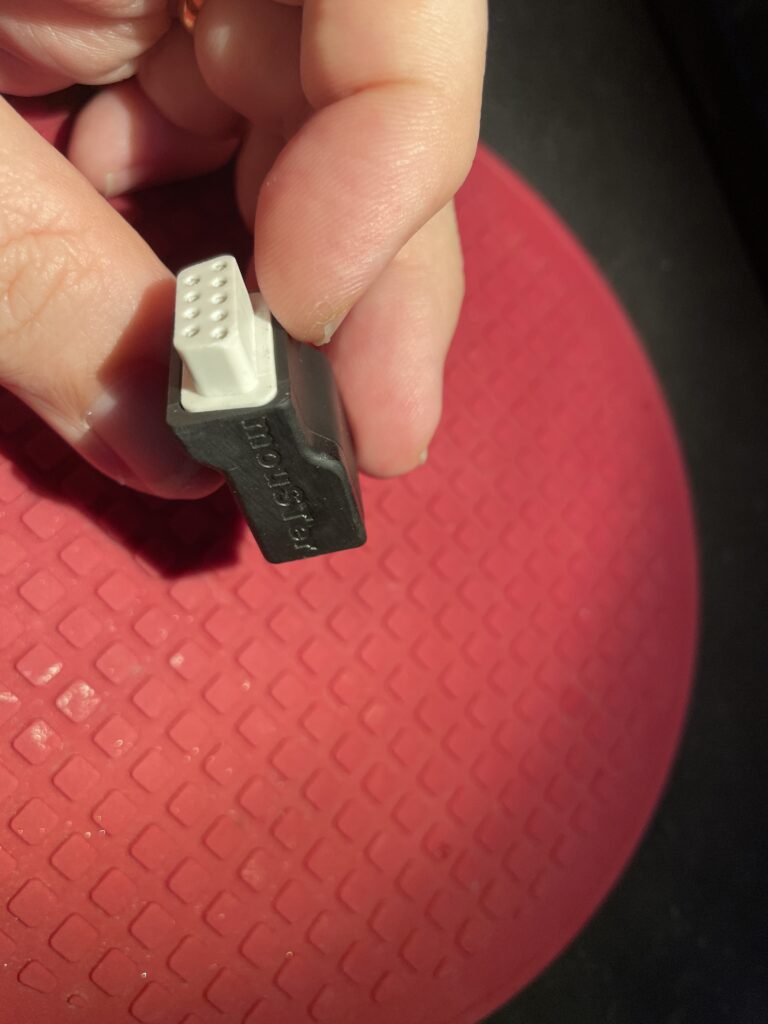
I have used a MouSTer USB mouse adapter with a wireless mouse on my Amiga for 3-4 years and I have been very happy with the adapter. Only thing I was not happy with was the heat shrink tubing that was used as the shell. It looked so cheap.

I was surprised to find a 3D printable shell for it online. I ordered one to be printed on JLC (in resin). I got a couple of warnings that the walls was too thin and may not be able to be printed. But all worked out better than I anticipated!

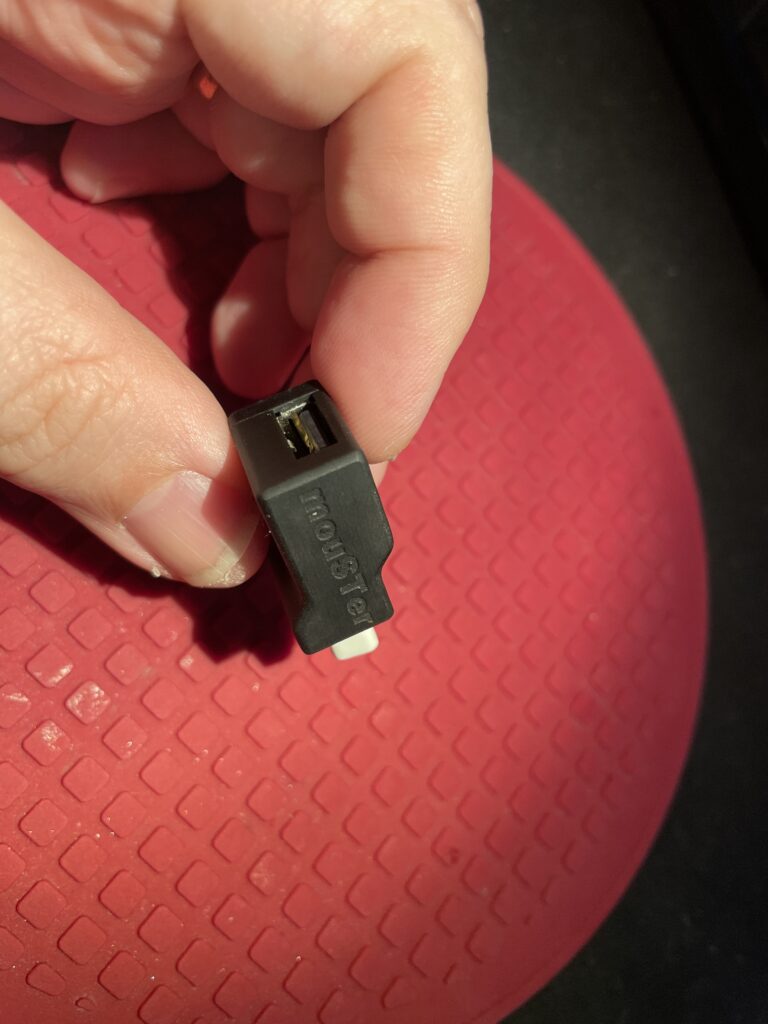
It looks so much better with the 3D printed shell.

The fit is perfect. I just superglued the two halves together, there are no user servicable parts on the MouSTer so no point in making it possible to open the case again.

I dont remember exactly where I found the files but you should probably be able to find them here if you search for them.