Some Amiga activites I have worked on in December

I have worked on some small things here or there on my Amiga computers. Here are some noteworthy things that has kept me busy.

Installation of an 2.5″ angled CF adapter in my backup A1200

These angle 2.5″ CF adapters were popular 20 years ago

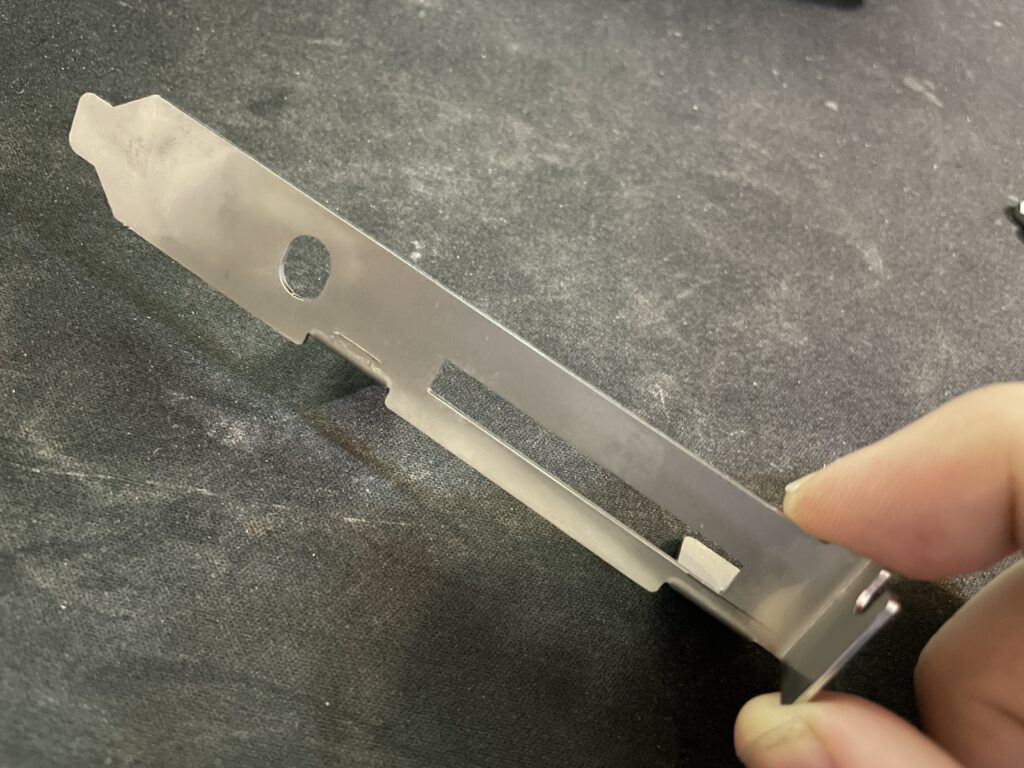
I found angled 2.5″ CF adapters on AliExpress. I have been looking for these for quite some time. They can not work if you have an Indivision AGA in your A1200 but if you do not have one they offer a great reliable way of running an internal compact flash drive in your Amiga 1200. There was only one problem:

This one has a pin blocked, probably to keep you from frying it by mounting it 180 degrees wrong

They came with one pin blocked. I used a small drill to drill into the blocked pin and realised that it was only the top layer that was blocked. Next step: try it out in my backup A1200.

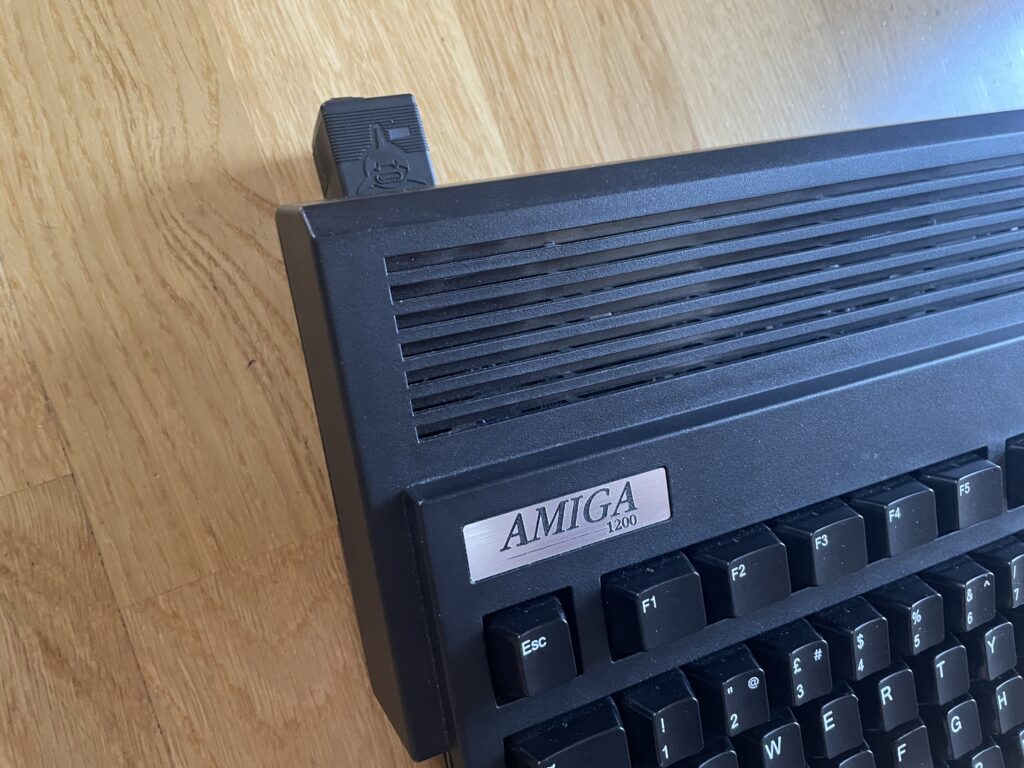
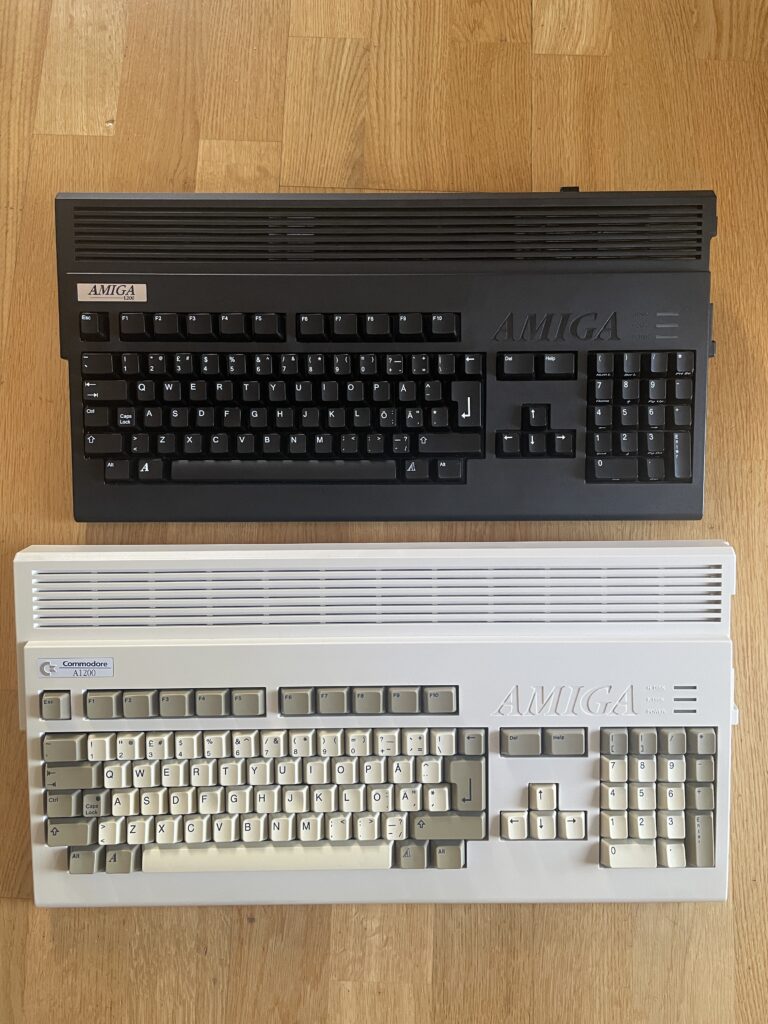
How nice, a genuine C= Amiga 1200 case and keycaps

My backup A1200 has 3.1 Kickstart roms so I had to upgrade the Kickstarts before trying an Workbench 3.2 installation. So the next step was to flash some roms with AmigaOS 3.2.

FlashROMs are programmed with DiagROM and Kickstart 3.2

Here are the FlashROMs. I decided to flash DiagROM and Kickstart to them as they can hold two ROM images. It is very handy to have DiagROM availble if needed.

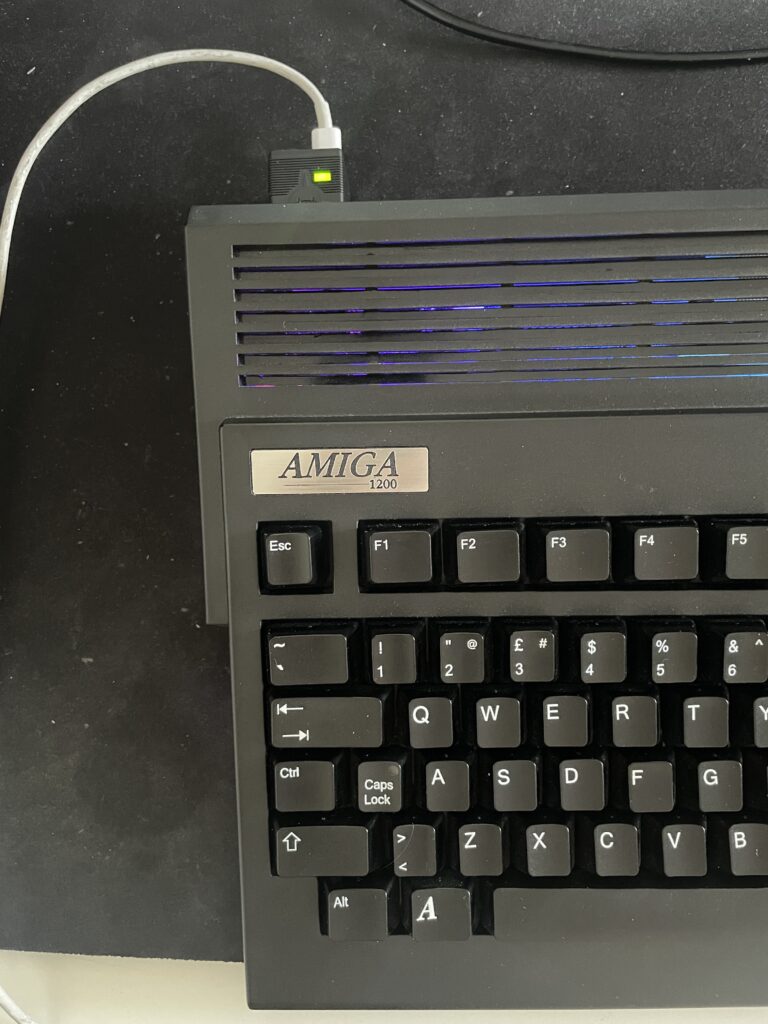
A white ReAmiga 1200 matches the case nicely

My backup Amiga 1200 looks like a regular A1200 on the outside but inside it is a white ReAmiga 1200 that I built a couple of years ago.

The more LEDs the better

Here the FlashROMs installed. But it failed to boot into the Kickstart screen, DiagROM worked though. So out came the T48 programmer and FlashROM adapter again. It was impossible to flash the FlashROM again. After 30 minutes of fail checking I realized that I used the wrong USB-A cable for the T48. After swapping cables the correct ROM image was flashed and everything worked.

The ReAmiga 1200 has a kickstart switch built in it

The ReAmiga 1200 has a nice Kickstart switch feature that you can enable. If enabled you can chose between two different ROM images through a jumper. If you do this with a FlashROM you do not need to jumper the FlashROM. As you can see, I never bothered to solder on the fan headers.

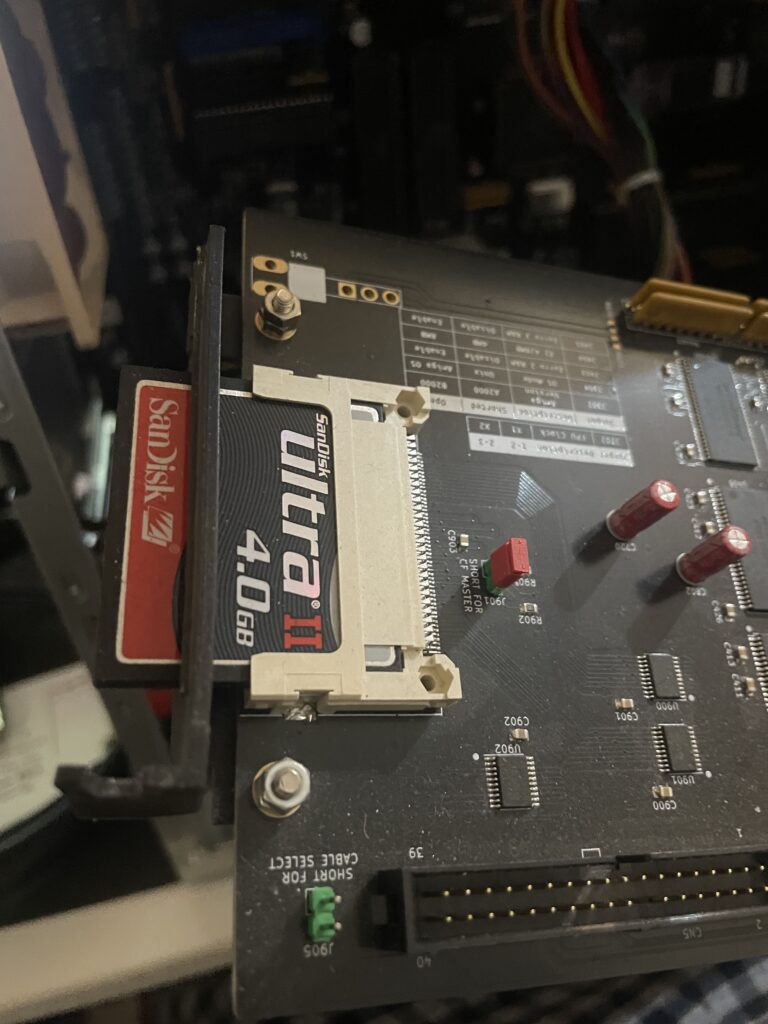
The angled 2.5″ CF adapter fits the A1200 motherboard fine

Here is the CF adapter mounted on the internal 2.5″ port of the ReAmiga 1200. Booting off of a WB 3.2 installation it worked fine.

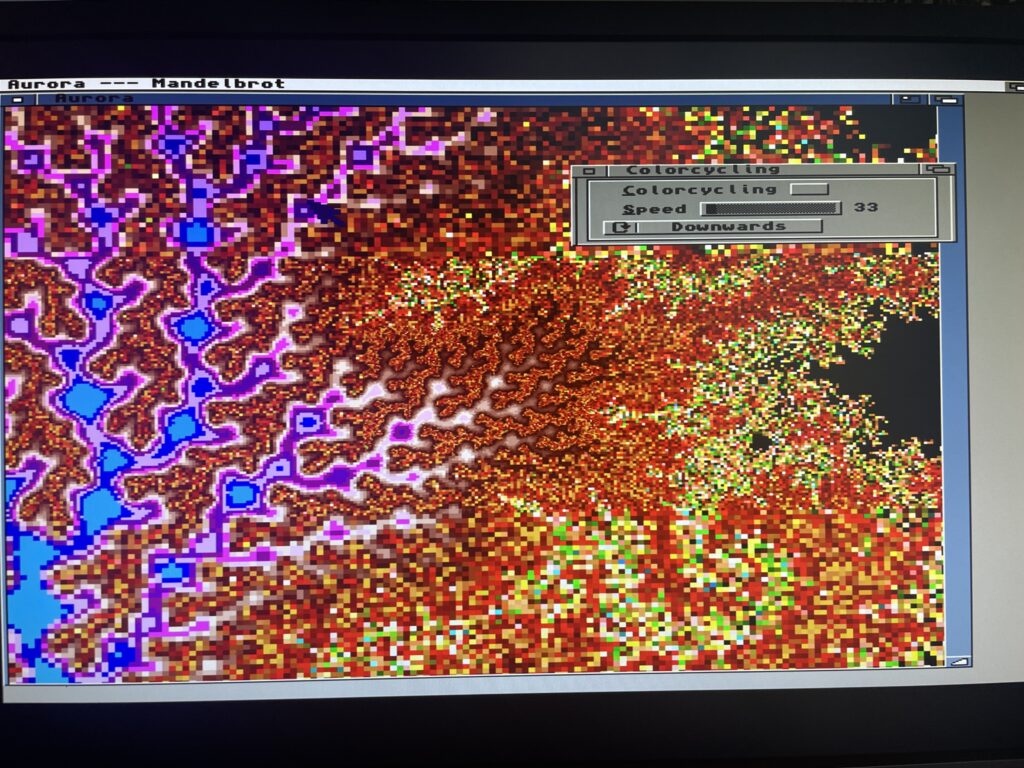
I am using an old school external 23 pin scandoubler, thats why the image is a bit dull

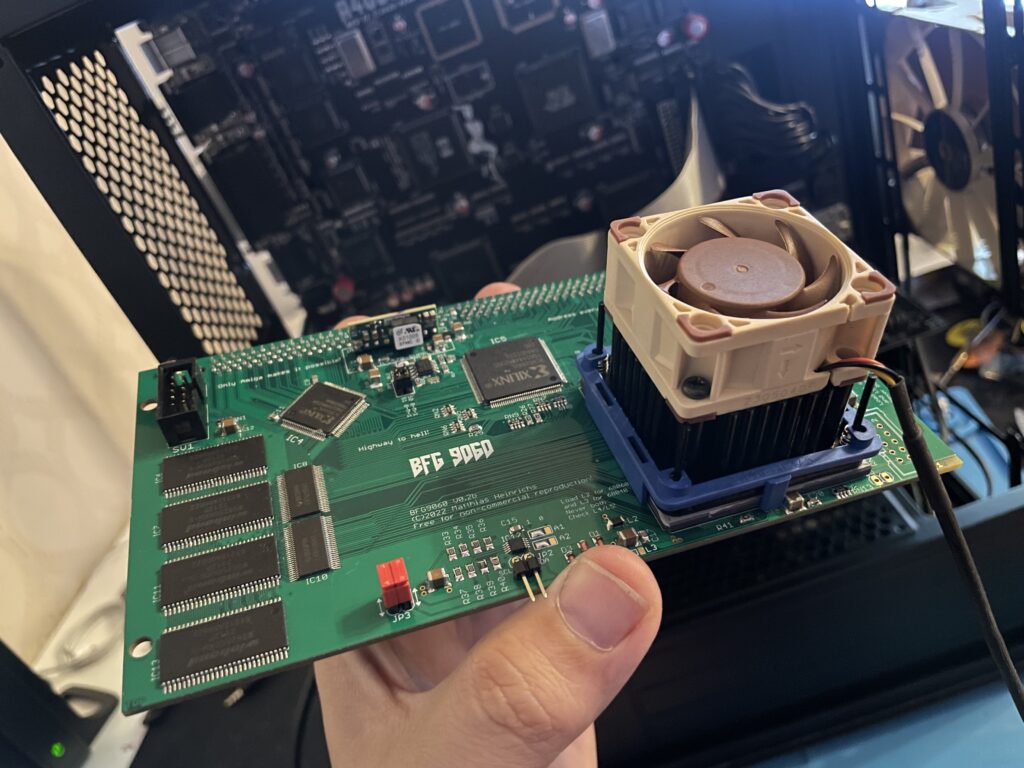
ReA4091 and BFG9060 finally working fine together at 100 MHz

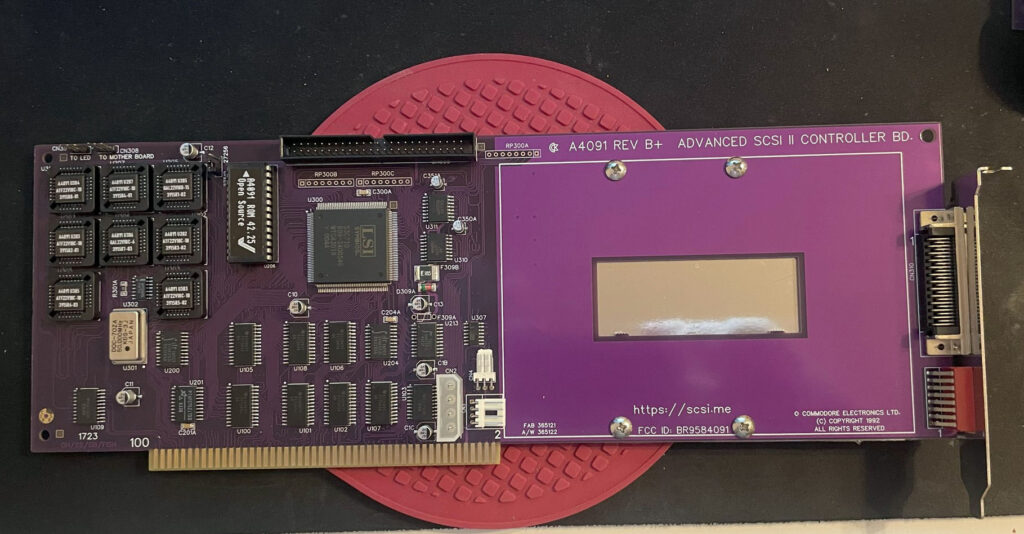
ReA4091 SCSI2 Zorro 3 card

I have had problem with my ReA4091 SCSI card when running my BFG9060 68060 turbo card at 100 MHz. Everything worked fine if the BFG was clocked at 50 MHz but at 100 MHz the system refused to run stable giving me filesystems error instantly in Workbench.

This is not a new problem as many other has had it.

I got a heads up about a thread on github discussing possible solutions to this problem. You can find it here. One suggestion there is to reprogram U305 with the file from here.

Apparently this fixed the problem for the user who suggested it on github with a drawback of 10% less SCSI performance.

BFG9060 with 68060 rev. 6 clocked at 100 MHz

I did not have anything to lose so I decided to give it a go by flashing the little PLCC chip with the file suggested. To my surprise it actually made my hardware setup stable again at 100 MHz! Now that I have put in a few hours in my system I can confirm that it runs stable.

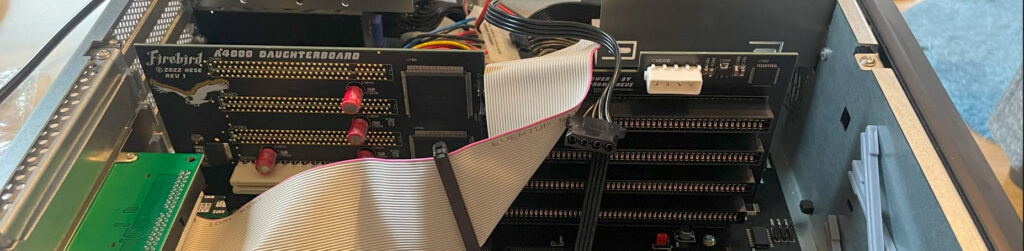
This particular build consists of an A4000TX, BFG9060 with a rev.6 68060, ReA4091 with a ZuluSCSI compact, there is also a ZZ9000 graphics board in the setup. It is my main setup.

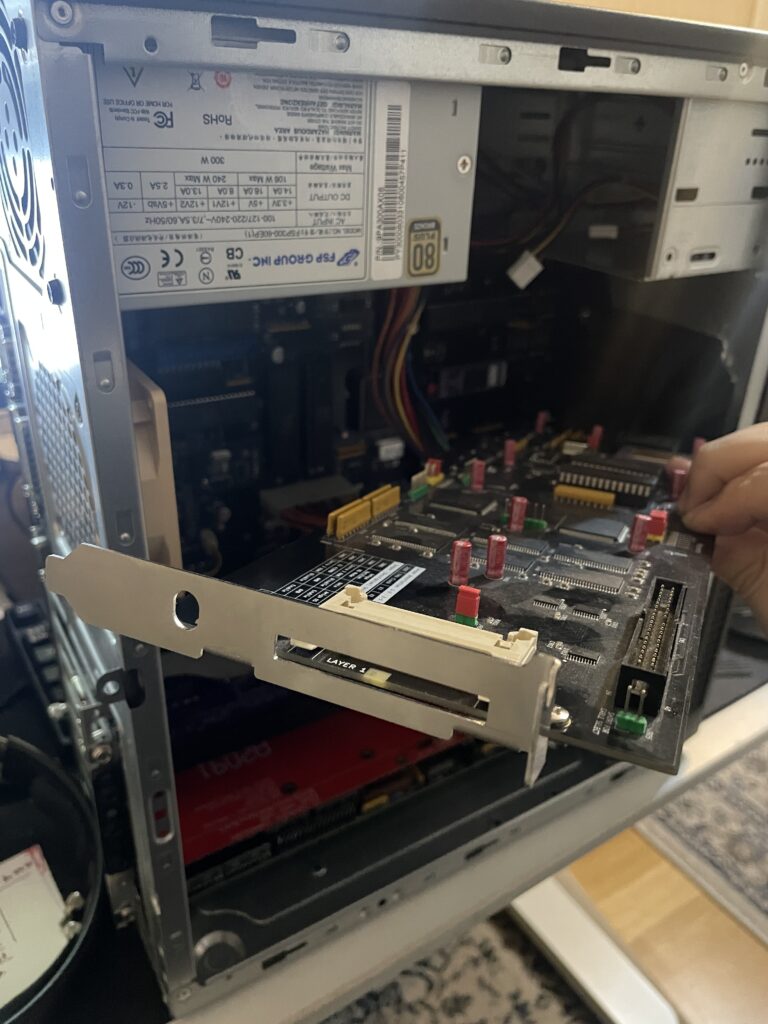
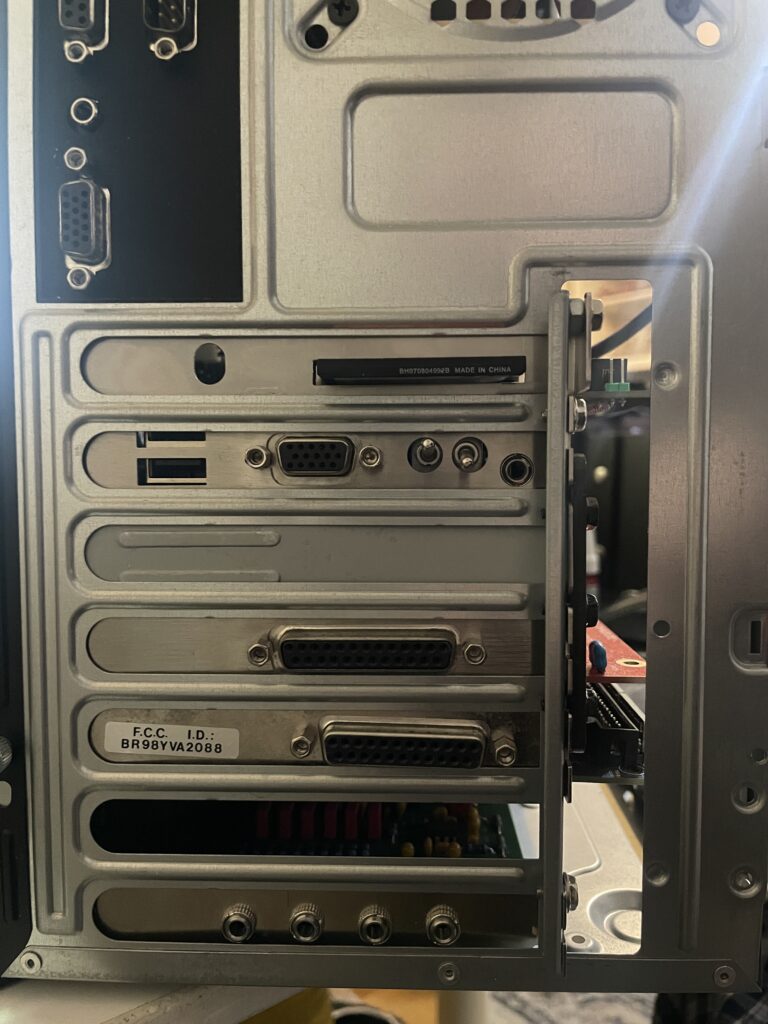
Solas + ISA board installation in my A4000TX

I have a Solas LED controller in my A4000TX, it is hooked up to an ISA carrier and is connected to the clock port on the Zorro-LAN-IDE card. It took a while to figure out how to connect them together and to get sound into the Solas. But after tinkering with it for a few hours it is working fine now.

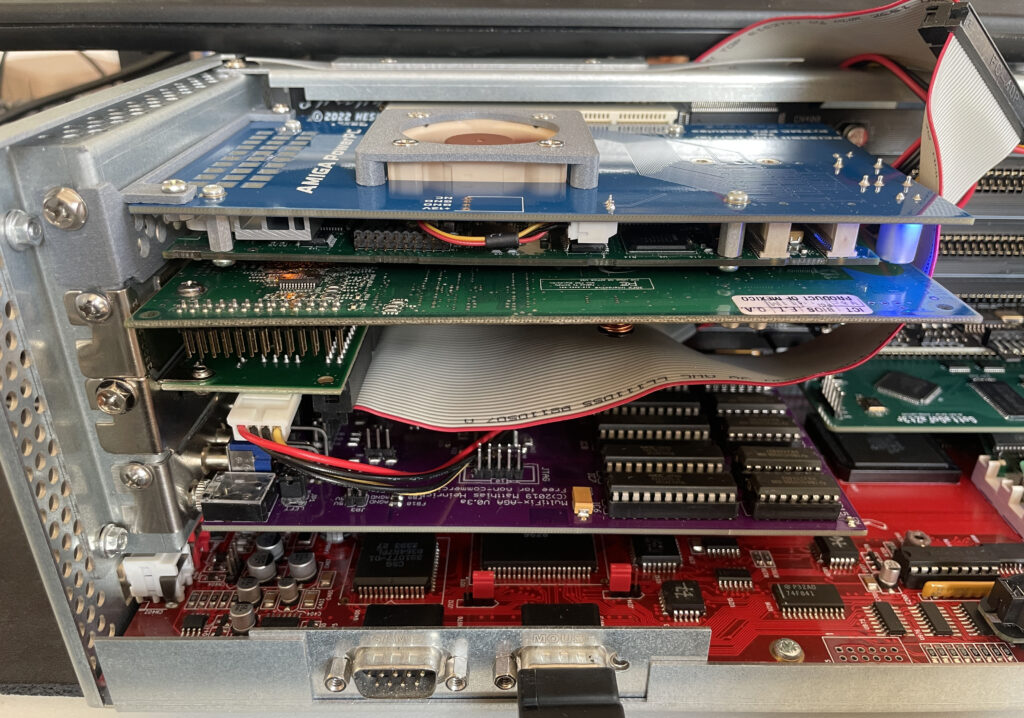
The sandwich card of the Solas carrier and Solas is too thick though, making it difficult to run a full size Zorro card over it, I am thinking of soldering them together to decrease the height of the card sandwich. It could either be the greatest thing ever or the greatest disaster ever, I will need to flip a coin on how to proceed with this idea.

Second A2386SX board built and tested

I like to build things I like in pairs that is why I did not hesitate when I was given the opportunity to build a second A2386SX clone again. You can see some more pics in the previous link. I do not think I will build more of these boards as they have given me a tough time both in getting them working and in sourcing components for them.

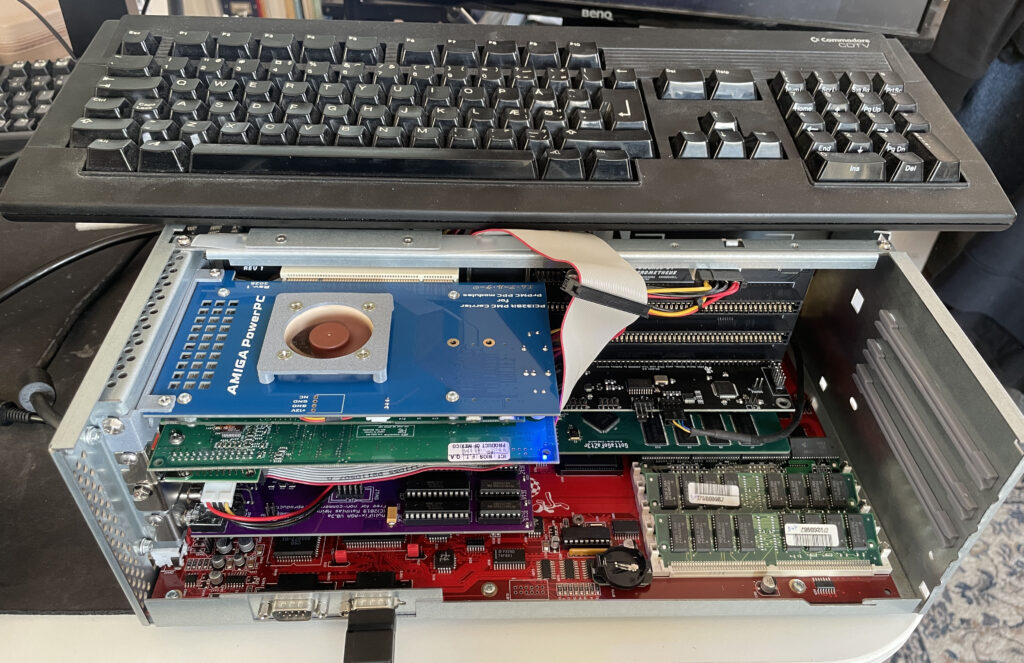
A4000T AT case mod

Mid size PC AT case from 1998

I did not hesitate to jump on the train when an A4000T replica PCB was offered for sale on Amibay a few years ago. Building it was a lot of fun and also fascinating. The A4000T is after all the final official 68k Amiga computer released.

I was too naive expecting a case to show up by itself. Now I realize it might never show up so I decided to look for solutions. There are ATX options but I wanted to try an old AT case first.

The universe was aligned with my third eye and suddenly an AT case manifested itself on a local trading place. But the struggle is real, nothing comes without pain and struggle. The A4000T motherboard is huge, it wont fit this case without some cut fingers on old sharp PC case sheet metal edges and serious case modding. And I hate hardcore sheet metal case modding and cutting my fingers on old shitty PC cases.

The A4000T motherboard actually fits inside this case, but it will take some serious case modding to make it happen!

But once modded though, the 5.25 bays the case has wont be usable any more. It wont be able to take an AT or ATX PSU anymore either. But hey, when it is fully modded, at least I got a case for the A4000T where the daughter boards line up perfectly on the back of the case. I just need to figure out how to mod this case in the simplest way possible.

Mini-ITX case for Alicia 1200

I built my Alicia 1200 last month. It was time to decide what case to use. Alicia 1200 is an Amiga 1200 clone in a Mini-ITX form factor so it was only natural to try and find a suitable ITX case to mount it in. It is difficult to chose a case when you don’t know future configurations of the machine. I am expecting to add a CPU card in it but do not expect it to grow that much in height. Thats why I went looking for a low Mini-ITX case.

Alicia 1200 motherboard mounted inside a Morex 557 Mini-ITX case

I chose to install the motherboard in a Morex 557 Mini ITX case. It is small case just slightly longer and wider than a 17 x 17 cm Mini-ITX motherboard. In these kind of cases you have to use a Pico PSU with an external adapter. Where I am from a genuine Pico PSU is quite costly but I was happy to find a reseller in EU who had genuine Pico PSUs for a very reasonable sum of money. I got two, one for the Alicia and one for the Denise in case I would need a better Pico PSU for it in the future instead of the cheap knock off.

120w Pico-PSU is powering the Alicia 1200

The Pico PSU sits very tight against the case but it fits with a millimetre to spare!

Morex 557 Mini-ITX case

I don’t think you can find a smaller size case than this and that is why I like Mini-ITX. The case is also well ventilated, perfect for passive cooling.

Two Morex 557 cases, one for my Alicia 1200 and one for my Sam440ep OS4 machine

I already knew about this case since I use it for my Sam440ep. Maybe I will get a third one for my Denise.

Alicia 1200 – Amiga 1200 clone in Mini-ITX form factor

Alicia is an Amiga 1200 clone in the popular Mini-ITX form factor. It is a nice DIY project you can buy as a semi built PCB. As I had previously built a couple of Denise A500+ clones, building the Alicia 1200 was a no-brainer and I think I was not alone in that thought as the interest around it has been great! Read more about the project here.

I remember when the Mini-ITX form factor was released around the new millennium, it was a really exciting time in PC hardware and watching it grow and become an established platform has been a pleasure to see.

To be able to see, build and own Amiga systems in the same form factor with real Amiga chips is amazing!

Denise, Alicias little sister

Denise A500+ ITX with TF536, Denise NIC, Mini Graka, Indivision ECS v3

I have not written a lot about Denise, the A500+ clone, here on my blog even though I have wanted to do that for some time. I “blame” my interest in this “wallet busting” hobby on this specific project YOLO. So expect a better post later sometimes.

However, I think it could be interesting to show off my Denise build before moving on to the Alicia 1200.

The Denise is an Amiga 500+ clone in Mini-ITX form factor, it has all the regular chips the A500+ has and also two “dumb” (as in no Buster) Zorro 2 slots. The PCB is jam packed but everything is beautifully laid out on the board.

Point I wanted to make was that this has been a very stable Amiga and it is awesome to have an Amiga with a small graphics board, scandoubler, NIC and 030/HDD in a standardized small form factor – That it is Mini-ITX is just icing on the cake.

To think this kind of hardware was A2000 territory yesterday is crazy. Anyway, let’s move on to the Alicia…

Approaching the Alicia 1200 Amiga 1200 clone build, what have I gotten myself into?!

Alicia 1200 is a small PCB and most of the stuff for the build fits in this small box!

Alicia 1200 is a kit, so one have to build it oneself. I have built a few Amiga kits myself previously so I did not expect any problem with the Alicia build. I usually build my projects from scratch, but in this case it came pre-mounted with all the passives and some common chips. This saved a ton of time.

Lets talk PLCC sockets and chips

I decided to build my Alicia without PLCC sockets. I have a technique that works really well for soldering PLCC sockets without removing the inner part of the socket. In my experience soldering PLCC chips directly to the PCB makes for a more secure connection and eliminates any potential contact issue. I feel hot chips such as Paula, Lisa and Alice runs cooler when soldered directly to the PCB. I do have a few Amiga motherboards with full PLCC sockets for testing purposes.

Soldering the PLCC chips might be difficult if you are not used to doing them. I solder the PLCC chips with a relatively large hoof tip. Not saying the hoof tip is the definitive success factor, it is probably from doing a LOT of PLCC chip soldering.

Difficult to find parts

Most parts for the Alicia 1200 can be taken from an Amiga 1200 or can be found on Ebay, Amibay or from the “usual” places.

You will need the full Amiga 1200 chipset, including Motorola 68020, Budgie and A1200 Gayle. You will need an ADV101 or VP101 but you wont need the keyboard MPU. Memory can be taken from an Amiga 1200 too (but pay attention, some revisions come with incompatible memory that physically won’t fit). If you want to run the RTC you need a clock chip.

A 23 pin video connector is not needed and in fact can not be used, instead Alicia uses a regular VGA socket, so you have to make your own RGB cable if you plan to use it with SCART f.e. Though you will need a PCMCIA connector, but that can also be take from an A1200 motherboard (hot air is your friend).

Everything else can be ordered from Mouser or Digikey.

So lets get the soldering iron warm…

Budgie and Motorola 68020 are done, drag soldering is your friend!

The first parts I soldered was the Budgie and the Motorola 020 CPU, they are both surface mounted chips and where desoldered from an Amiga 1200 motherboard. I actually did not know if they worked or not, but as they are mounted in a good position on the motherboard I could always desolder them and replace them if they failed to work.

Lets add some memory

SOJ40 memory is soldered to the Alicia 1200 motherboard, flux is your friend in this case

You may have built a ReAmiga 1200 and struggled with the memory, I have. It is difficult to do a good job when the chips sit so tight together. I am not a fan of using hot air to solder them. Thankfully on the Alicia 1200 the memory chips are generously spaced leaving plenty of space for my preferred hoof tip making this task very enjoyable and leaving a nice result.

Lets add some PLCC chips

First PLCC chip, Gayle, is soldered to the PCB, only six more to do!

Now its time for some PLCC chips. I have nailed the technique for soldering PLCC chips. But the challenge is getting them aligned correct on the solder pads so the joints form a straight line. I got successful with the first chip at the top left, Gayle.

All Amiga chips are now soldered to the board. But there are still plenty to do.

Here are all the PLCC chips soldered to the Alicia 1200 PCB. I think this was around 4 hours of work in total. No idea if it works and no way of testing it yet. Let’s hope it works.

And lets add some ports and connectors

Almost ready for the first test run, what if it does not work!

I am not alone when I say there is an universal curse around BOM orders. It is an unofficial rule more than an exception that it is derigeur to miss to order some small part or important part. In this case, it was a small chip on the bottom of the PCB and the ATX power socket.

First test run of Alicia 1200

It is difficult to see, but there is a blue Indivision MK3 mounted on the Alice chip

Once I got the missing parts I was eager to try Alicia 1200 out and see if it was working. And it was here I stumbled upon a problem, I did not have a suitable screen or RGB-SCART cable to test it. I thought I could use a 23 pin to VGA converter and hook up my old RGB-SCART cable with a 23 pin connector, but it did not work. Fearing that I had to do a full desolder of the custom chipset with another chipset to iron out the broken chip I instead opted for my backup solution instead: using my Indivision MK3 that I had in my Amiga 1200 so I could get HDMI output.

Update: I have since built a VGA to SCART cable according to the instructions in the manual and I recommend everyone to do that to test that the port is working.

And it works!!

Testing AGA chipset with DiagRom

DiagROM boots and all tests checked out fine! The image above does not do justice to the image quality of the Indivision MK3, I was almost ready to fork out cash for a second one! This is a beautiful hardware combo if you want AGA only.

Sound played fine on the Alicia 1200 when testing channels in DiagROM. I think the sound circuit is the same on the Alicia 1200 as on the Denise as i recognice a few of the parts here. I would descibe the sound on the Denise as slightly tinny, metallic or a bit more clean than a regular Amiga 500 or Amiga 1200, it is an interesting attribute of these motherboards and adds another dimension to the sound output of the Amiga. Cant wait to try it out with the Sound Enhancer.

Lets finalize the Alicia 1200 build

Alicia 1200 fully built!

Once Alicia 1200 was fully tested I could go ahead and add the final connectors including the PCMCIA slot (that I cut down to make it shorter since it sticks out a lot).

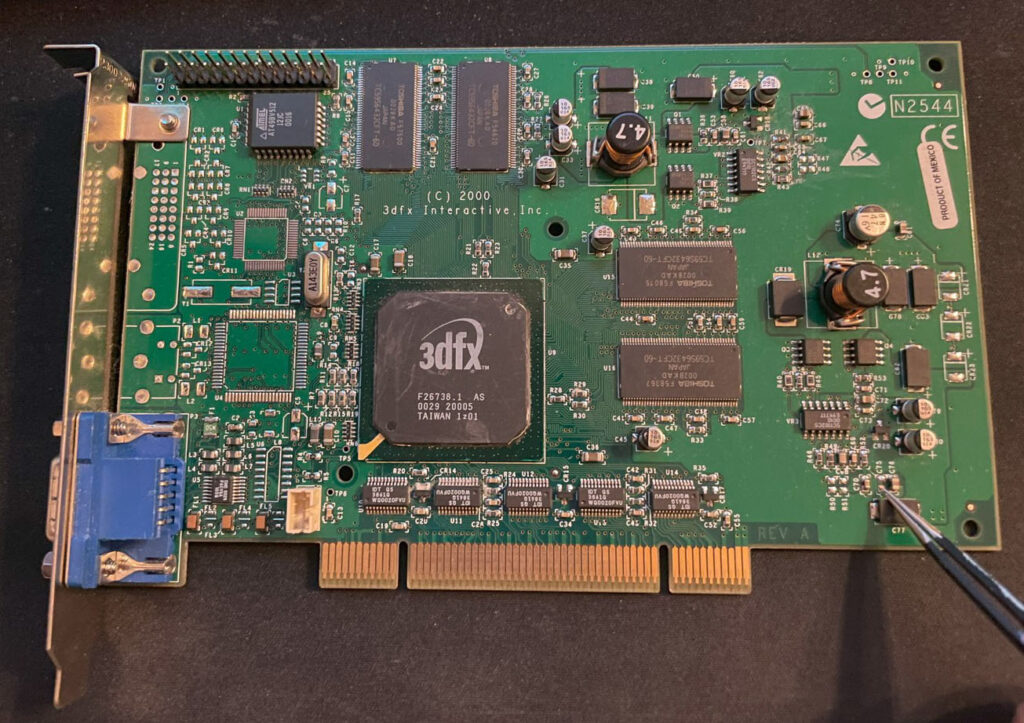
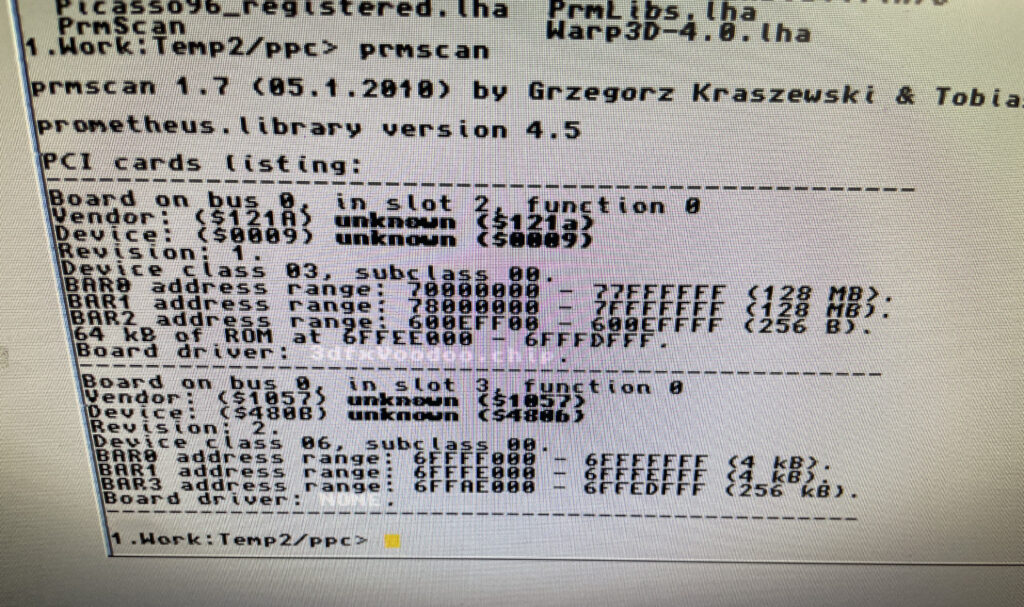
So let’s end this post with some features that Alicia 1200 has that a genuine Amiga 1200 does not have. First it has a real time clock. Then it has a video slot on top left side. There are no devices to connect here today, but there are rumors of scandoublers and other exciting stuff. Lets see what the future holds. I have suggested a 3DFX card numerous times lol.

The Alicia 1200 Tornado slot CPU slot adapter.

The larger slot is the Tornado slot, as you can see on the image above it is converted into the Amiga 1200 slot. Hopefully someone will release a direct mount CPU card for the Alicia 1200, if not, we can just use the converter above and run our TF1260s or PiStorms or whatever will be available directly on that.

Next steps!

Let me follow up in the future what case I will chose and what CPU card I will use. I am leaning towards PiStorm, but the beauty of a 060 in this little system is very tempting, almost too tempting to resist. And with the way the CPU card is mounted, there is plenty of space to run a badass heatsink over the 060 unlike in an Amiga 1200… you can be sure I will follow it up here in the future!

Great work with this project everyone involved!

Updating AmigaOS 4.1 Final Edition to Update 3 on my Sam440ep

There was a new update to AmigaOS 4.1 Final edition released recently, Update 3 for AmigaOS 4.1. I run AmigaOS 4.1 on an old Sam440ep and thought it could be a good idea to run an update updating it from 2 to 3.

Installing AmigaOS 4.1 Update 3

The update is shown in AmiUpdate once you log into the updater.

Runing the AmigaOS 4.1 FE update 3 installation

Once the update is downloaded it goes into an installation dialoge. Both the download and the installation went smooth and quick. I did not bother to do a backup before doing the installation.

Installation was successful and now i am runing Update 3 on my Sam440ep

After a reboot I was greeted with a new title bar text, it says “Final Edition Update 3” now. There is also an AmigaGuide in sys: that goes through all the changes.

Most changes seems to be technical of nature but I did find the system to feel a bit snappier and quicker in use (or maybe that was just my imagination). I also think I read somewhere that network speed has been improved. As I have the slowest next gen systems, that is good info! Read more about improvements and changes here.

Conclusion

It was nice to see an update for AmigaOS 4 being released, hopefully we will see more updates in the future and also new high end cheap hardware to run it on.

I also wanted to do a quick test of the AmigaOS 4 port of VIM, and here it is in full glory and running great:

BFG9060 black screen on my Amiga 4000D motherboards, how to fix?

Here is my test setup: Acill A4000D motherboard with ReA3630 and two BFG9060 cards including Firestorm PCI daughterboard, Multifix-AGA and a replica A4000D case

I had two summer projects this year that I recently finished. One was an Acill A4000D replica motherboard and the other was a Hese made A4000+ Alice A4000D CR motherboard replica. You could say two brothas from different mothas or something…

Both motherboards worked fine when doing basic test runs, however they both failed to run with a BFG9060. All I got when running them with a BFG9060 060 CPU card was a black screen.

amiga-4000d-motherboard
Amiga 4000D motherboard in shiny red

Anyway, as usual building them up was pure pleasure from start to finish. I even enjoyed desoldering the Acill A4000D motherboard from a few passives and pin headers someone else had a false start with. I mean, off course you want a full set of pin headers soldered to your 400+ small parts PCB (not really).

The A4000D motherboard fully built with a BFG9060

The motherboard was all built up and looking good in shiny red matching a BFG9060 with a mystery (rev. 1) 060 I built last year.

As good as it was looking it failed to run with the BFG9060. It was working fine with the A3630 CPU board I built earlier this year, but not with the 060 card. That reminded me that I had the same problem with my Alice A4000D motherboard a couple of weeks ago.

A4000+ Alice motherboard during assembly phase

The Alice A4000D has an 030 CPU on the motherboard so it does not need a CPU card. It was working fine with the on board 030.

Here is the A4000+ Alice motherboard during the testing phase inside the A4000D case

I got the suggestion to try a new delay line as that could be the problem the CPU card failed to run. As the A3630 has exactly the same CPU as the one mounted on the motherboard, it is difficult to say if the A3630 was running or not.

Testing the A4000D motherboard + BFG9060 with a PicoPSU

If you are in this hobby you have to grow a passion for trying all hardware combinations to find the solution. In this case, the reason for the Amiga 4000 getting a black screen when running a BFG9060 was the PSU as everything seemed to run fine with another PSU than the SFX one I had in the A4000D case.

I changed the SFX PSU that previously was working fine with the EXACT hardware setup I am running here (but different Amiga 4000 motherboard) with a small ITX PSU and suddenly DiagROM worked fine and detected the 060 CPU.

This lead me to believe that maybe the PSU was not pushed too hard as some ATX PSUs fail to run if there is a tiny load on them (or something like that). So I decided to do a final test by adding some cards to my A4000D and try the SFX PSU again.

Unfortunately it did not start with the SFX PSU and 060 card even if I loaded the machine with all Zorro slots filled, including adding an old 3.5″ harddrive.

So next step is to get a new SFX PSU. But at least I know I have to working motherboards!

Update! 20251215

Apparantly it was the Kickstart that was the problem.

ReAmiga 3000 post test run follow up

ReAmiga 3000 setup for a test run

You may have seen my previous post where I did a test run on my ReAmiga 3000 that I finished earlier this year. If not, check out my post about my ReA3000 that I built in April here.

While I did do a test run in DiagROM previously I did not have a daugherboard for it so I just whent through the usual tests (successfully) and called it a day. This time I did a more comprehensive test session where I tested a Amiga 3000 daughterboard, a BFG9060, a GottaGoFaZt3r 256MB Z3 memory card, programmed and replaced the logic chips and also replaced some ICs that I had to use adapters for previously.

Amiga 3000 daughterboard

Front of the Matze Amiga 3000 DB

While my ReAmiga 3000 started up fine in DiagROM it failed to run with a Kickstart rom. I was puzzled about this since it was running fine in DiagROM. No matter what I tried I ended up with a black screen. Problem was solved by adding the daughtercard. Now Kickstart boot screen came up.

Backside of the Matze A3000DB, here is where the I2C circuit resides

I am using a Matze A3000DB, more info on it here. This is just like a regular Amiga 3000 daughterboard but it also has I2C functionality so you can monitor temps. More info about I2C here, the added functionality is based on that project. So to be honest, I have not really fully understood I2C, perhaps I will do a deep dive in the future. I have an CPLDICY card I built last year and its neat to see temps. I am thinking this could be interesting to monitor if running a tight A3000 case with bad cooling.

Another note, this is a version of the Matze A3000DB with some added functions by kavanoz & CDH, see more here about this specific version of the daughterboard.

A GottaGoFaZt3r 256MB Z3 memory card was inserted and it was detected by DiagROM.

ReAmiga3000 + BFG9060 test, success?

The low profile heatsink/fan on the BFG9060 blows in the wrong direction, another thing to fix in the future…

Recently I built an A4000D that failed to run with a CPU card. That motivated me to test my older builds with a CPU card to make sure they work properly with a faster CPU. The only issue I had was to figure out how to jumper the motherboard, then it was smooth sailings.

68060 is detected in DiagROM (as is fast ram)

DiagROM identified the 060 and also the fast ram. Now I need to do a 6 hour fish render and stability will be tested (something to do for the future).

74FCT646 chip replacement

SOIC-24 to DIP adapters are the red mini PCBs. Also notice the original Commodore logic chips

If you look at the BOM for the ReAmiga 3000 you can see that Chucky recommends replacing the 74F646S with 74FCT646. Currently 74FCT646 can only be found in SOIC-24 from Mouser and Digikey and not in DIP so you need a SOIC-24 to DIP adapter to use them. While the adapter worked fine I just felt it would look better to run DIP chips instead. I had an UTsource order going for my A2386SX order in the pipeline so I added eleven 74FCT646 chips to that order from UTsource. Why 11 when the A3000 only needs 9? Well two of them is going to my A2386SX boards.

No more SOIC-24 adapters for a cleaner look!

The 74F646S chips actually runs hot, especially when there is 9 of them, that is something I noticed when using them from my donor machine. So it was a nobrainer to replace them with cooler running chips.

As I put in sockets for all the 74FCT646 chip adapters I am thinking of removing the sockets in the future and solder the chips directly to the motherboard for an even cleaner look. The ground plane in an A3000 is brutal though, not sure I wanna wrestle with this board desoldering stuff again. Desoldering the KEL 200 pin CPU slot was a nightmare.

Programmed and replaced logic chips

There are four logic chips on the Amiga 3000. About 15 years ago I had the oppportunity to buy a broken Amiga 3000 cheap because it had a broken display output. Turned out it was because one of the logic chips was broken, so it was an easy fix to just replace one of the chips with a new one.

So to future proof this ReAmiga 3000 build I replaced the logic chips I got from the donor A3000 with modern alternatives and got the JEDEC files to program them with from here.

Next step

I hope I can find a case for this build, they are difficult to come by but occasionally you can find one. Actually wish I had one now as I would like to set it up to a running system!

C’est la vie

A4000+ Alice motherboard

This is an A4000+ Alice PCB, it is an Amiga 4000D CR replica motherboard and it was created by the talented Hese who has made some awesome Amiga clones and hardware available to the community. If you are interested in buying an Alice A4000+ PCB, check out this thread on AmiBay (not sure you can still get one though but maybe one shows up second hand).

This was supposed to be my summer project of 2025 and I could not resist to share it on my blog even though it is not 100% finished yet. It took me about 2-2.5 months to reach this state as I was in no hurry during the summer to finish it. It is almost finished, just missing the DB slots, battery holder, two sockets and an electrolytic capacitor. Oh and all the custom chips off course, but I have a full A4000 chipset sans Buster and Ramsey…

A full socket Amiga 4000D motherboard build

The reason I did a full socket built was that I was thinking it could come in handy if I would need to test custom chips in the future. One of my A4000TX motherboards was built with sockets, but I did a bad job, cutting out the center sections from the sockets before soldering them. So I want to convert the A4000TX to soldered custom chips and have this one as my primary testing station (or primary A4000D motherboard, nothing is static in this hobby).

The other reason I did a full socket build was that there are quite a few projects around where users are looking into cloning the custom chips. Most of these solutions are using a PLCC plug that mounts in a PLCC socket, so if everything goes as it should go, perhaps we can have full custom Amiga chip clones in the near future! Woops, better sell your stash of Buster 11 while you still can get 150+ euro for them!

On schedule and rocking + two more weeks!!!!

The A4000CR is an interesting motherboard as it is slightly different than previous revisions of the A4000D motherboard. There is a 030 on the PCB and the chip memory is already soldered to the PCB, thus it only has four memory slots in comparison with previous revisions of the motherboard that had 5. So if it comes without a 030 CPU board and with one less SIMM socket, there is some money to be saved, thus CR.

Once this project is fully finished, I then have a beautiful red Acill A4000D motherboard to build, perhaps my next summer project?

Can’t wait to fire up this beautiful blue Amiga 4000D motherboard in a month or two and give it a test run.

Wireless networking in AmigaOS 4.1 with Vonets Wireless Bridge

A Sam440EP with Vonets VAP11G-300 ethernet to WIFI bridge

Finally got my Sam440EP that is running AmigaOS 4.1 online with no ethernet cable, wireless, with a Vonets WIFI bridge, no more ethernet cable!!

Currently, I dont have a permanent place for my Sam440EP on my desk at home. That will change in the future. But for now, whenever I want to use it, I set it up on my desk. Since it is a tiny computer, that is not really a problem as its very portable.

But having to run a long ethernet cable between the SAM440EP and the main ethernet switch is such a hassle.

Its not 1999 anymore and WIFI is great these days! So I went looking for a wireless solution for hooking up my next gen Amiga to the home network.

Finding a solution is a bit tricky though. After having spent a couple of evenings researching the topic I decided to order a supposedly supported card by AmigaOS 4.1, only to have it be cancelled by the seller. Disapointed but also relieved because I did not fully expected the card to work – I Instead opted for an ethernet to WIFI bridge.

Thinking, if that works, I could get a second and hook up my A4000TX to the home WIFI network with one also since there is no WIFI card for Zorro Amigas..

Vonets wireless bridge – VAP11G-300

There are a couple of nice solutions for wireless bridges these days and the prices has gone way down since last time I was in the market (2005). The Vonets Wireless Bridge that I got from AliExpress cost around 20 euro.

Setting up the Vonets wireless bridge on the Amiga

Test setup during initial setup of WIFI on the SAM440EP

Setting up the Vonets VAP11G-300 WIFI bridge reminded me why I chose not to go down the network admin/sysadmin route back in my university years. Or it reminded me of how much simple everything these days usually are to set up.

Surprised I was, it did actually come with a real manual (something I did not expect from cheap China stuff)!. However the manual was a bit poor in quality and clarity, I think it was better if it did not come with one.

Anyways, just so that I wont forget how to set it up, here is how to set up the Vonets wireless bridge to be a WIFI bridge for ethernet:

  1. Connect the Vonets wireless bridge to a PC. Connect both USB and ethernet so it gets power and can be found by the computer.
  2. On the Vonets adapter: Green light should come up (that is the ethernet port), blue light should come up (that is WIFI).
  3. Disable wireless on the computer if active. Else you wont be able to log into the bridge. Make sure ethernet is active and not disabled.
  4. Go to Chrome and type in the IP adress as specified on the device to connect to the Vonets bridge.
  5. Disable AP functionality of device and click save (if you dont want to use it as an AP). Device defaults to both an AP and a bridge if not.
  6. Change password of device and save.
  7. Go to main panel and scan for SSIDs.
  8. Chose SSID, type in password and save.
  9. Reboot Vonets device

It wont be possible to setup the device again on the IP number after rebooting the device. If you need to configure it again you need to reset it with the little button on it.

Once rebooted it should now be possible to browse the web on the PC where the Vonets wireless bridge acts as a bridge.

In theory it will work with any device that has an ethernet port. Read on…

Troubleshooting the Vonets VAP11G-300 WIFI bridge

So this is where the fun began (or not if you belong to the ones who do not see sysadmin/network admin tasks as a fun).

At first it did not work at all on my Sam. But it worked fine on my workstation.

I then figured out that if I changed the internet settings in AmigaOS 4.1 in Prefs and saved the new configuration the internet came to life! I thought I had solved it but as soon as I rebooted or restarted AmigaOS 4.1 then network access dissappeard.

I suspected the problem was that I had to configure the Sam to use a static IP, but that was not it either. However I got to familarize myself with subnet masks and ip ranges again, how much fun!

Back of the Sam440EP to illustrate how the Vonets WIFI bridge is set up

Soon I found the problem!

The Vonets adapter takes power from the USB port, the USB port on the Sam is disabled during startup (or delayed) so once Workbench is loaded the network has not fully been initialized. It takes a bit of time for the Vonets adapter to fully start, I suspect it must be running a minimal OS that handles all backend tasks. Which explains why restarting the network works. But until the network in AmigaOS4 is restarted, the network is down.

I decided to run it internally by routing the ethernet cable into the case

I quickly tried to come up with a solution, the solution was to run the adapter from 5v from the internal PSU. And that lead me to wonder if it was possible to place it inside the case too. I could route the ethernet cable through the hole for the VGA port on the Sam backplate.

The Vonets adapter is placed under the SSD on the left side of the motherboard

The Vonets WIFI bridge was placed under the SSD on the Sam440EP motherboard. There are no components on that side of the motherboard so no chips will get cooked as the Vonets adapter heats up a bit and I was worried that I would introduce more heat to the system.

Browsing the web on an Amiga is currently not a fun experience, lets hope a modern browser (and modern hardware is released!)

Would it work, yes it did. The Morex 557 case that the Sam440 is mounted in has mesh sides so signals from the WIFI bridge passes through the case fine (and also aid in ventilation of the setup).

Summary

All in all I am pleased with the setup and will order a second one for my Amiga 4000TX, and my A1200 is already running WIFI with the PicoWyfy. While I am pleased with the setup, much has happened with the web in 15 years. I remember browsing the web back in 2009 on my Pegasos 2 and having a great experience. But the modern web is built on JS and needs SSL. There is no way this 533Mhz system would keep up even if there was a modern browser. While the main goal was not to browse the web but to enable file transfers between fileserver and the Amiga on the local network, I would not mind browsing the modern web on it if there was a modern browser and more up to date hardware.